News

Skill Setup & Skill Sigil Guide
ANNOUNCEMENTS 2026.07.07

Skill Setup & Skill Sigil Guide
Let's get started!

Before heading into battle,
make sure your skills and Skill Sigils are set up.


You can also check out the video guide below. 📜


STEP 01 Equip Your Skills

After switching to a Transcendent Class, all equipped skills will be removed.
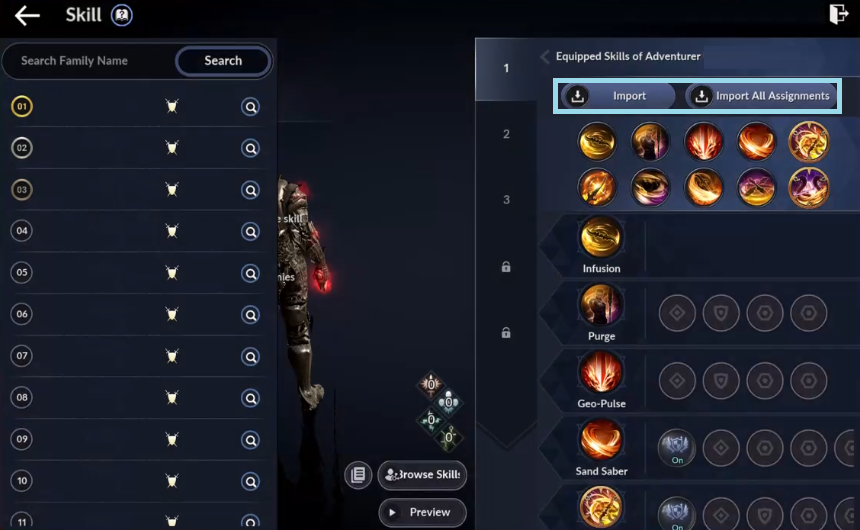
Equip your preferred skills manually,
or use Auto Equip to instantly apply a recommended setup.

In this guide, we'll use Auto Equip.

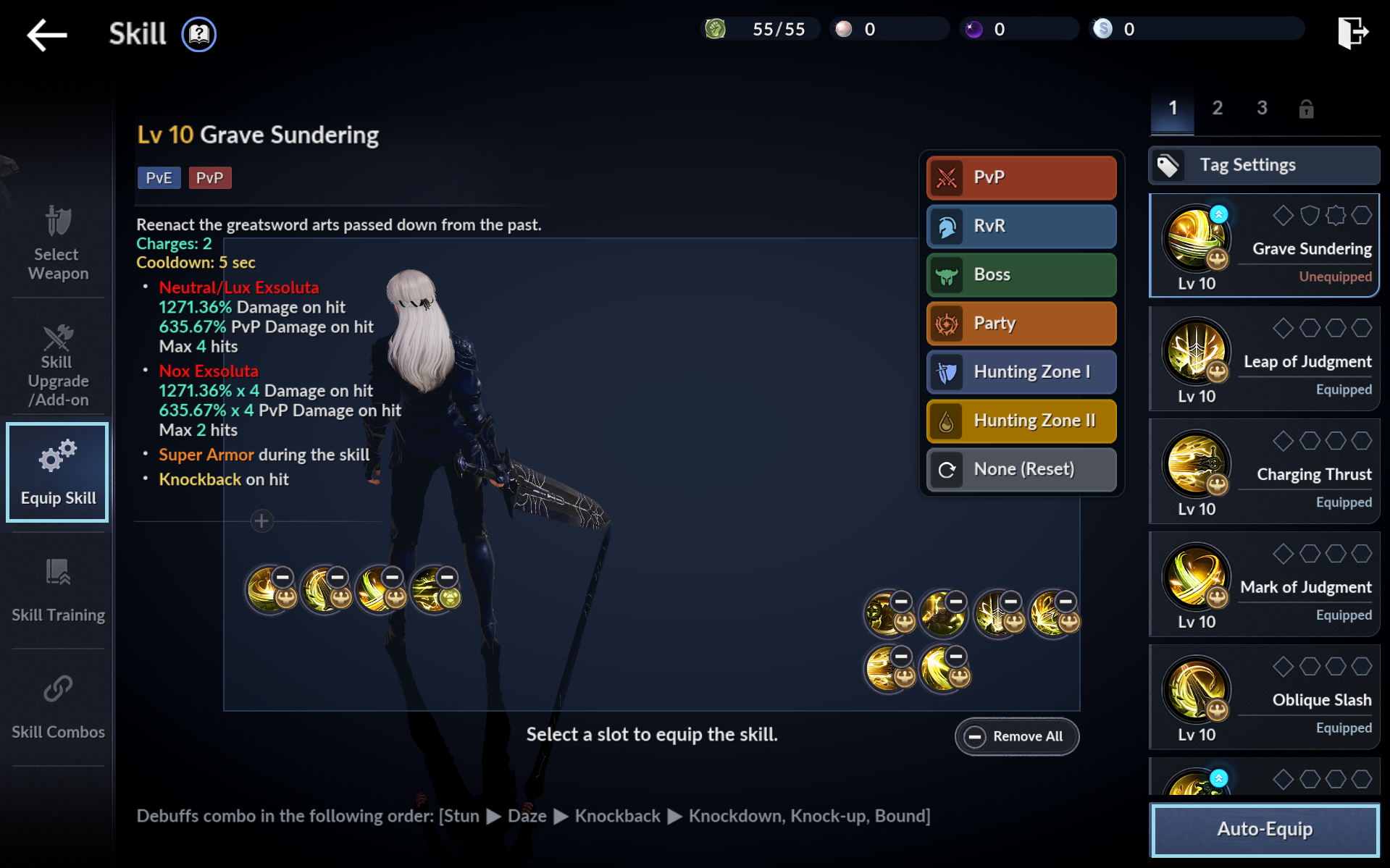
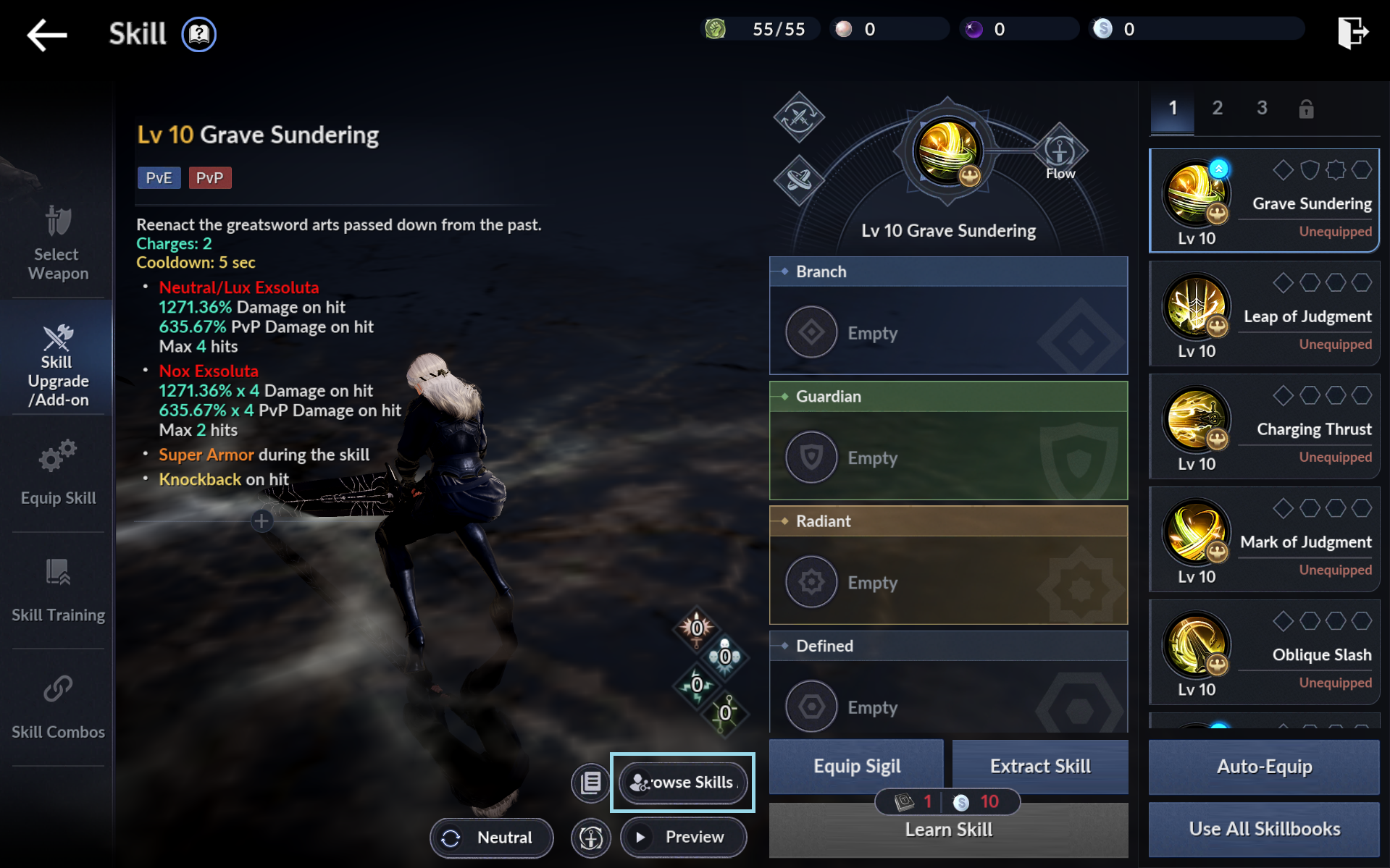
Go to Menu > Skill > Equip Skill,
then tap "Auto-Equip" to apply a recommended skill setup.


STEP 02
Obtain Skill Sigils
Now it's time to equip Skill Sigils.
For the best gameplay experience, we recommend equipping a Skill Sigil on every skill.

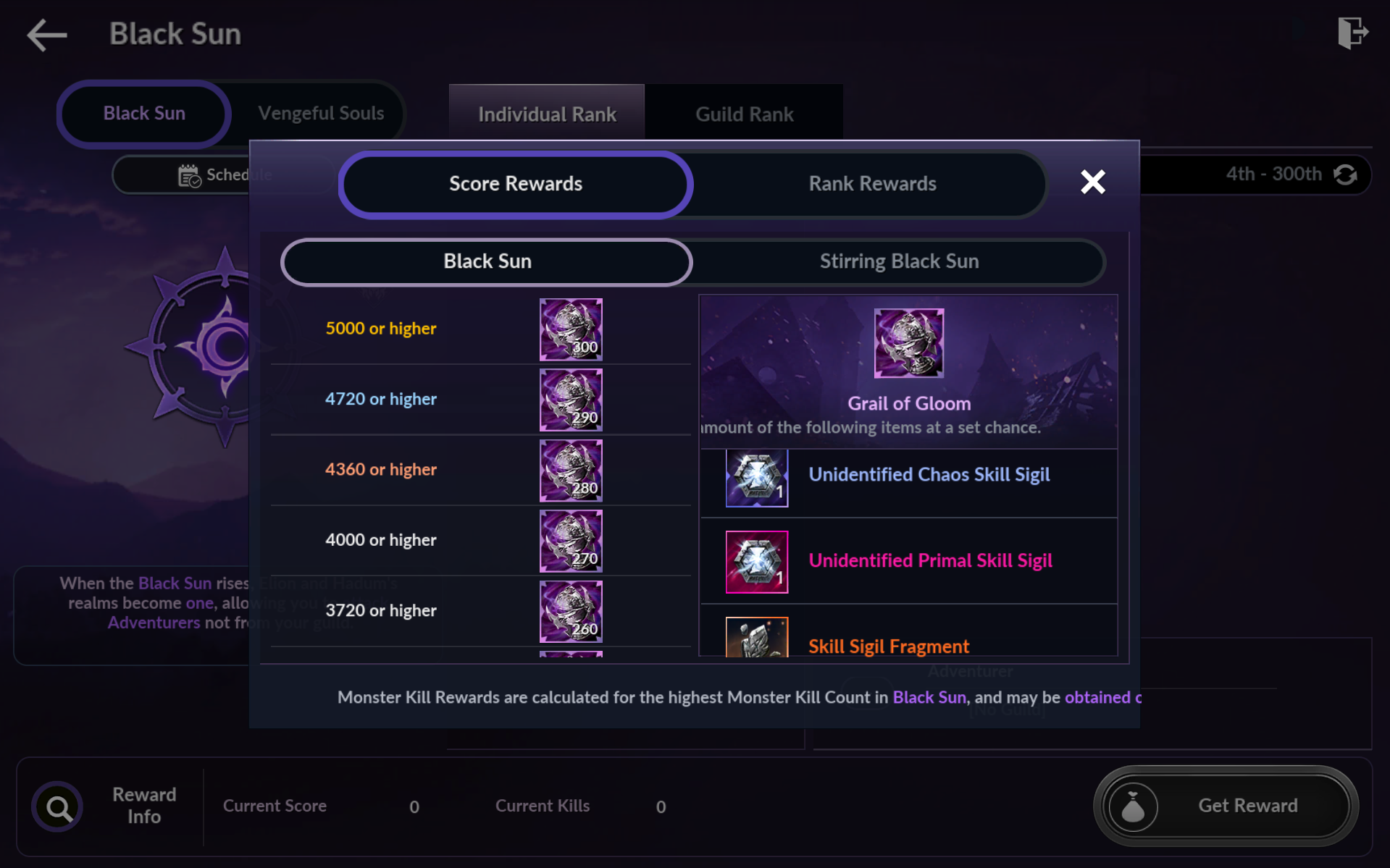
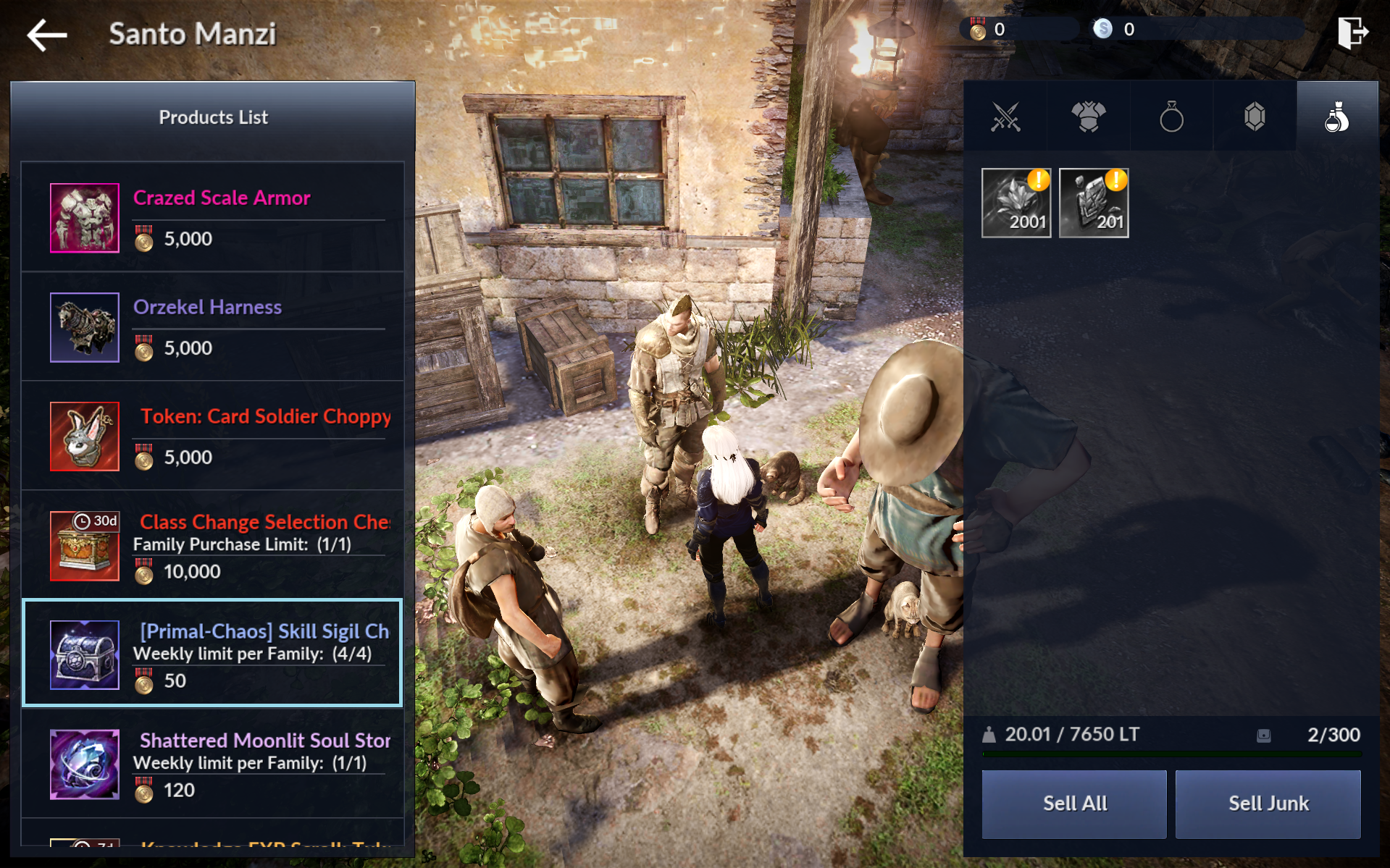
There are several ways to craft/obtain Skill Sigils.


Redeem a Coupon
Redeem the coupon below to receive Unidentified Abyssal Skill Sigils.

Celebrate the Class & Effect Remaster!

TranscendNow


Class Change Selection Chest x1
Unidentified Abyssal Skill Sigil x10
Rabam's Seal x3
Restoration Scroll x30,000
Purified Water/Citron Tea/Clockwork Selection Chest x1


Coupon valid until Aug 18 (Tue), 2026, 14:30 (UTC+8)

1. In-game: Settings > Account > Redeem Coupon
2. Official Website: Redeem Coupon


Defeat Monsters

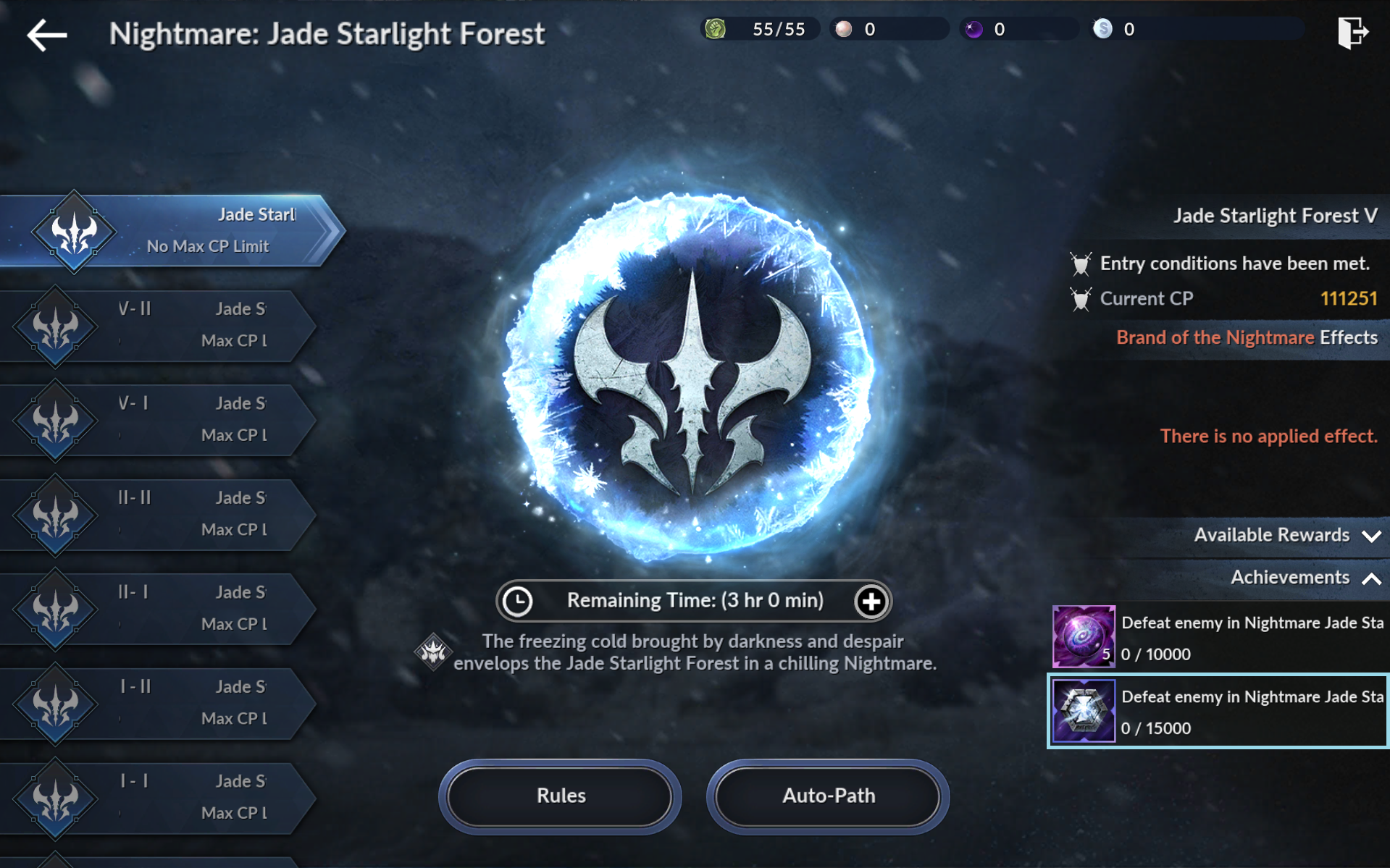
Defeat monsters in areas with 60,000 CP or higher
while consuming Adventuring Fervor to obtain Skill Sigil Fragments.
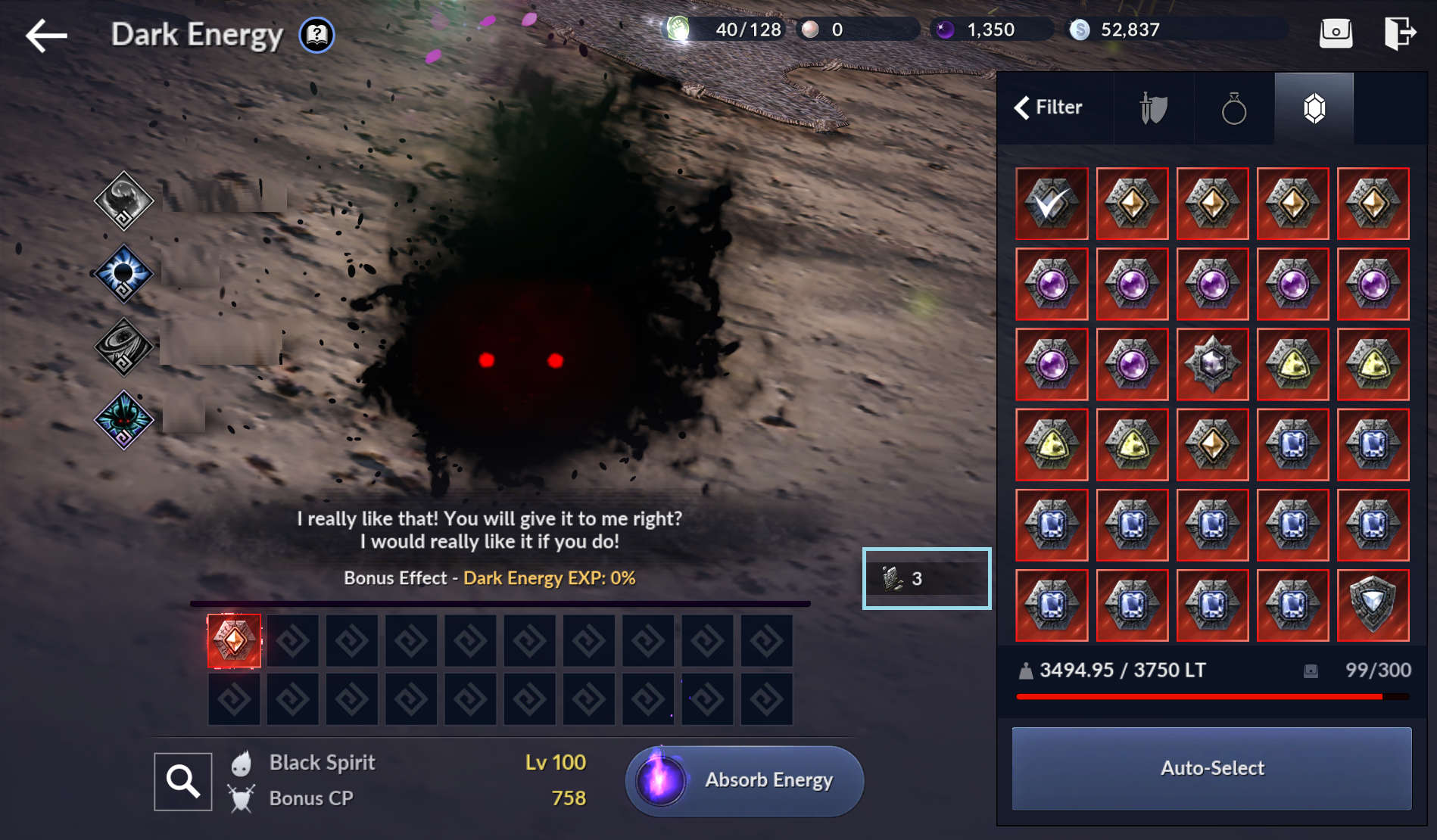
※ Can also be obtained in Black Spirit Mode.


STEP 03
Craft Skill Sigils

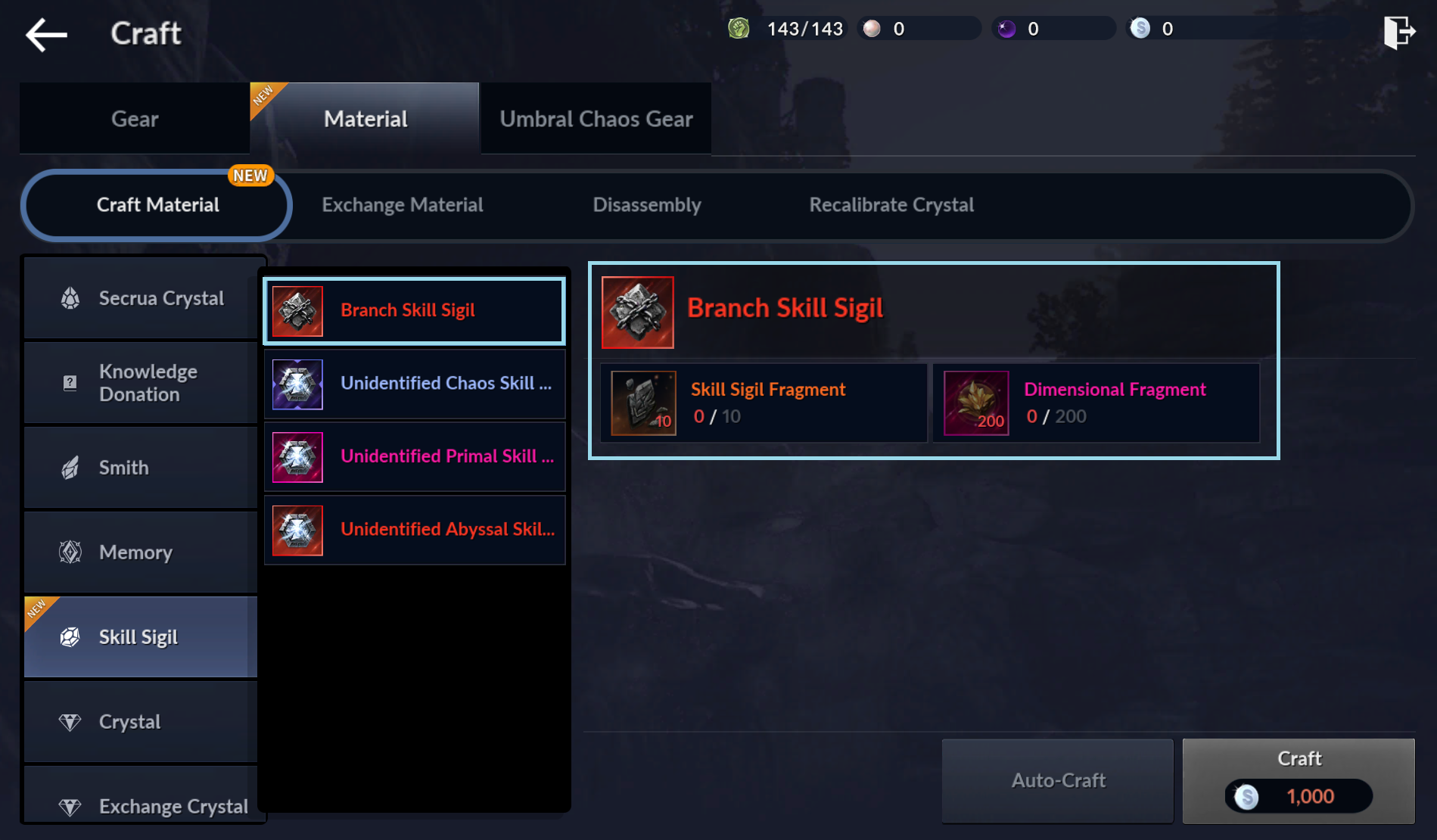
Craft Skill Sigils using Skill Sigil Fragments
obtained from Adventuring Fervor and other content.

Don't have any Branch Skill Sigils yet? Craft those first.
To help maintain your hunting efficiency,

we recommend equipping four Serrett Branch Skill Sigils.
For the best results, equip a Skill Sigil on every skill.
We also recommend crafting Abyssal Skill Sigils first to fill every Skill Sigil slot.


STEP 04
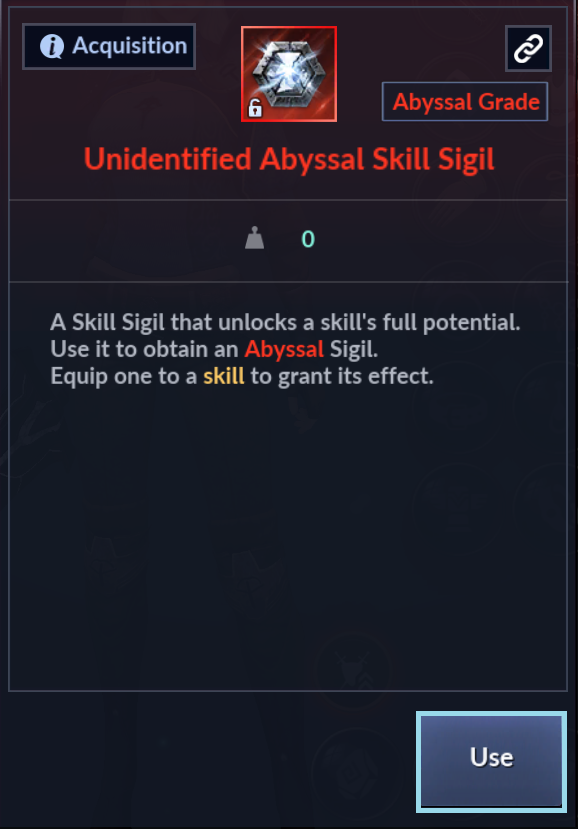
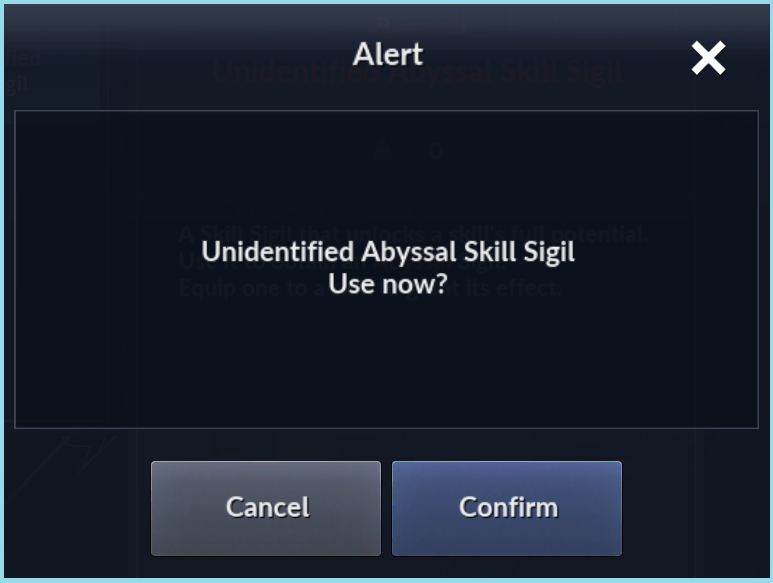
Use Skill Sigils
Use the Skill Sigil items in your inventory
to obtain Skill Sigils with effects.


STEP 05
Equip Skill Sigils

Now it's time to equip your Skill Sigils.
You can equip them manually
or use Auto Equip to apply them automatically.

We'll use Auto Equip in this guide.

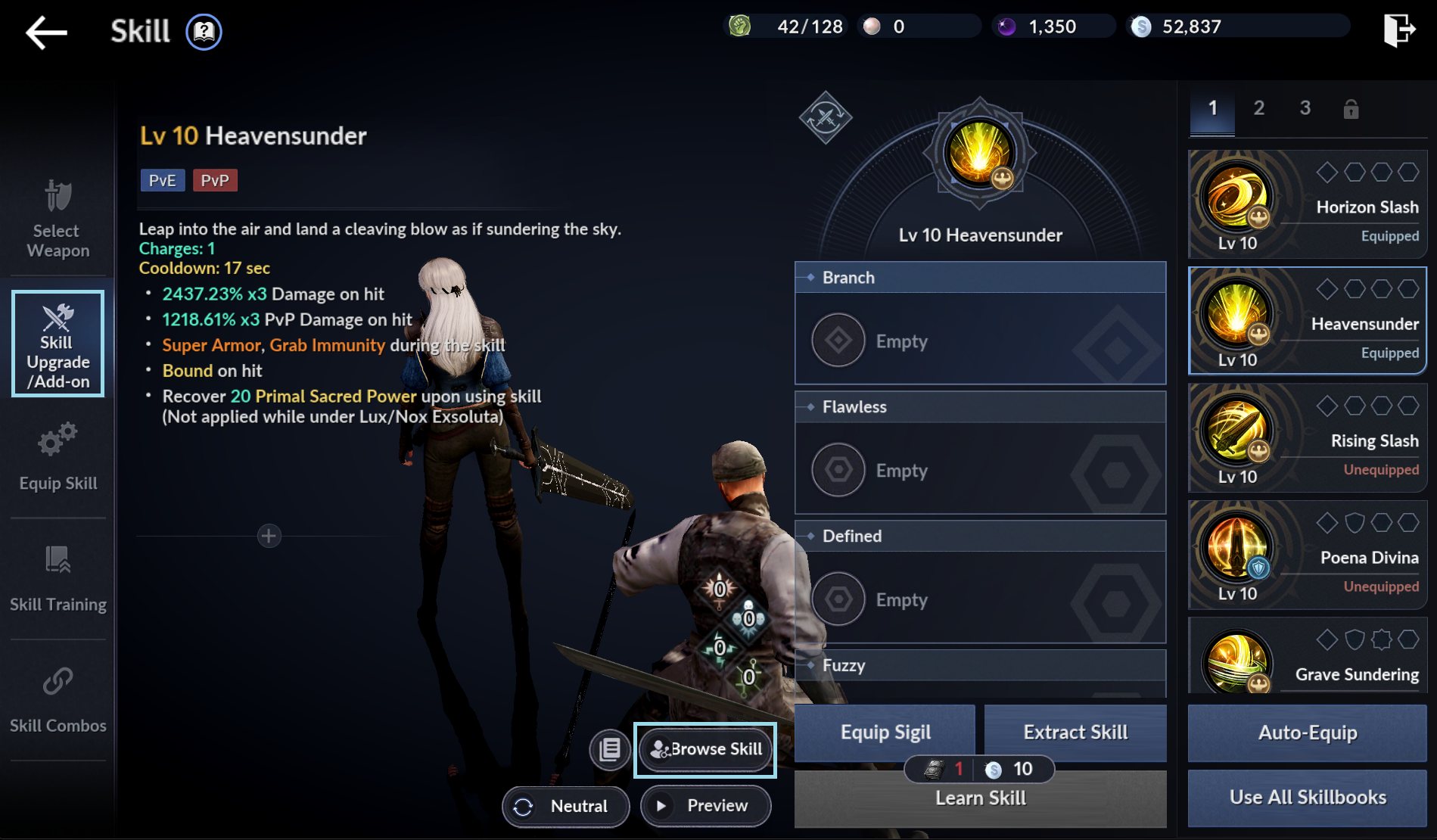
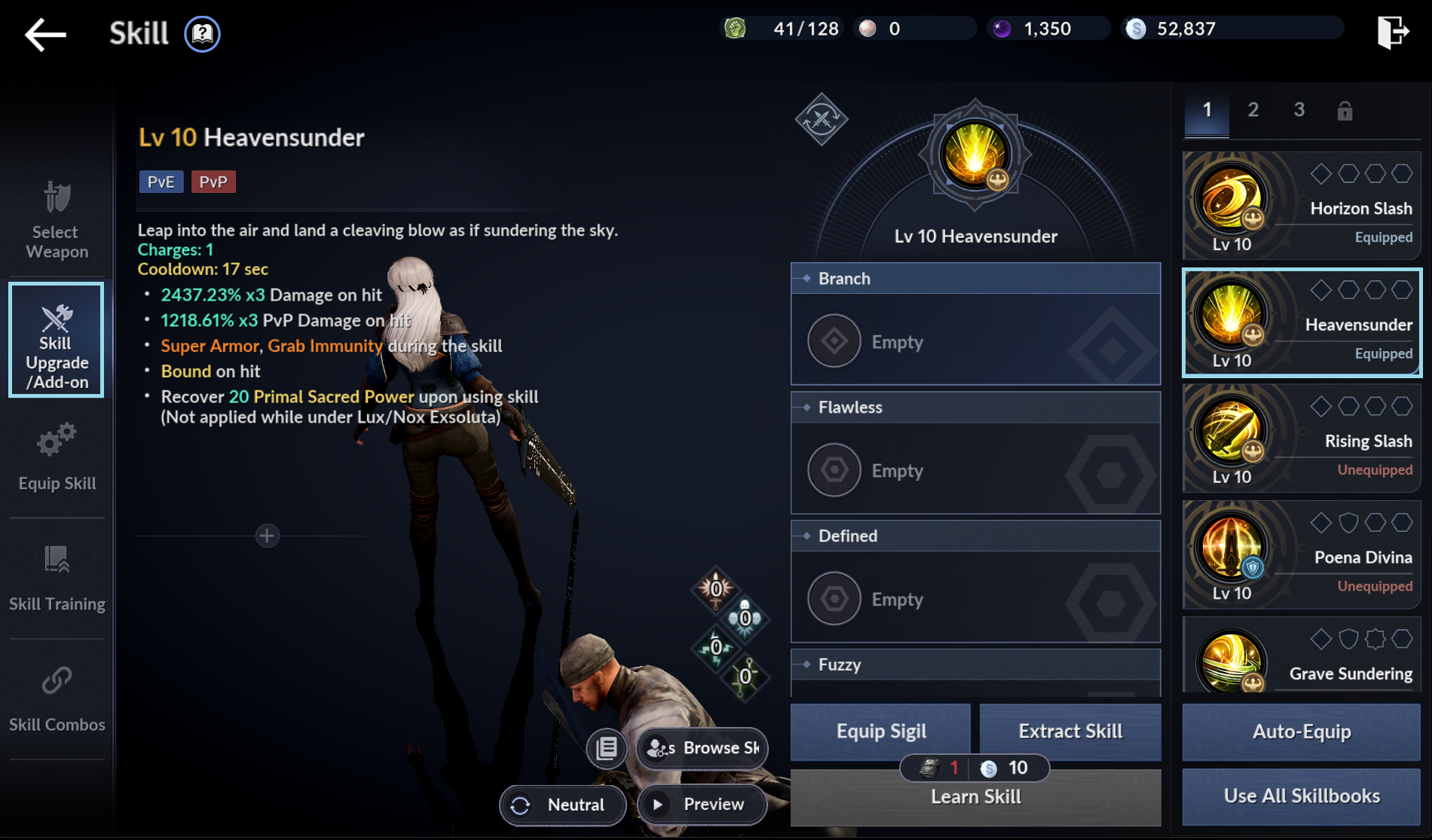
① Go to Menu > Skill > Skill Upgrade/Add-on, then select the skill you want to customize.


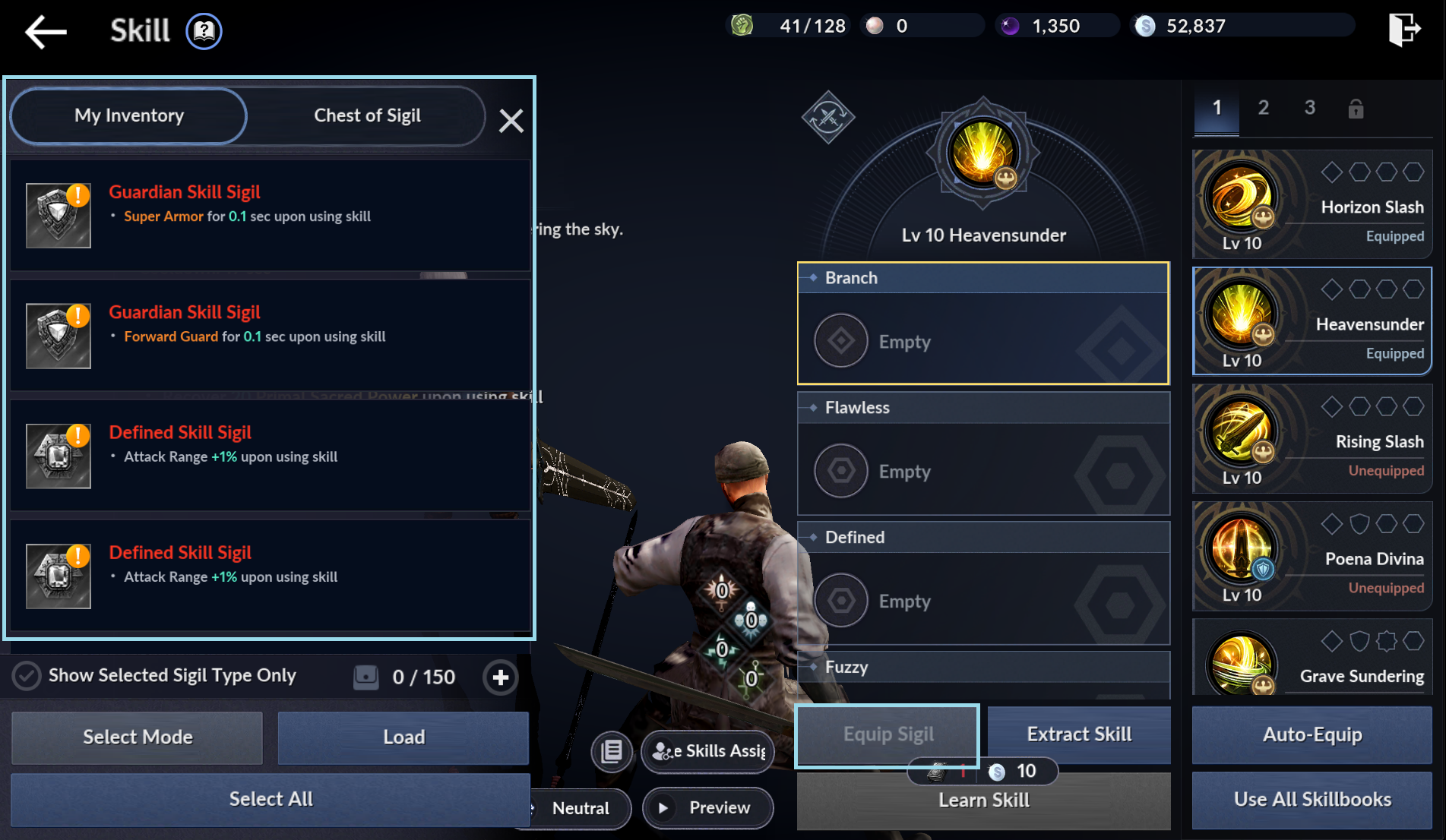
② Tap Equip Sigil to open "My Inventory."


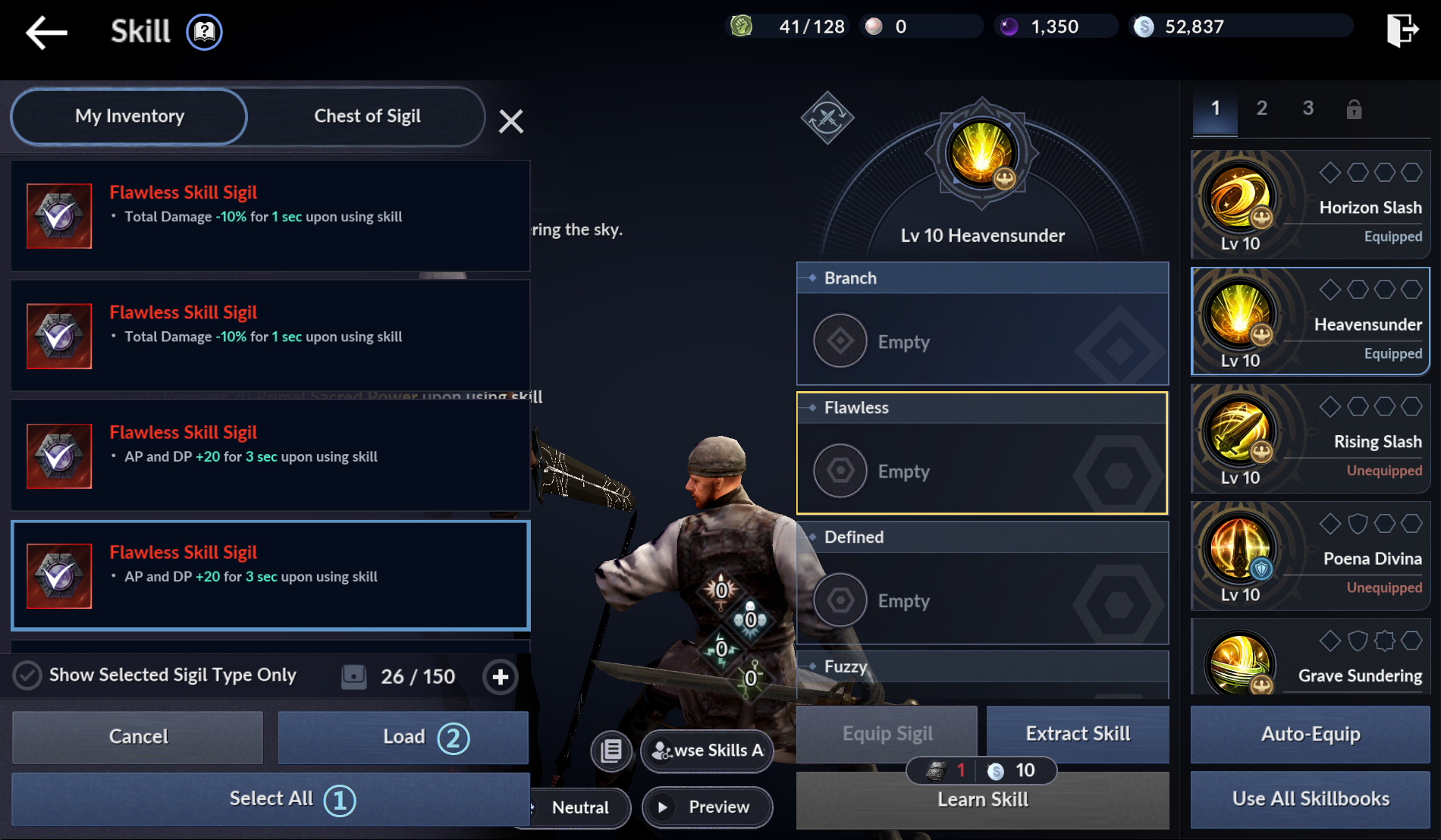
③ Tap Select All > Load
to move all Skill Sigils from your Inventory to the Chest of Sigil.


마지막으로,
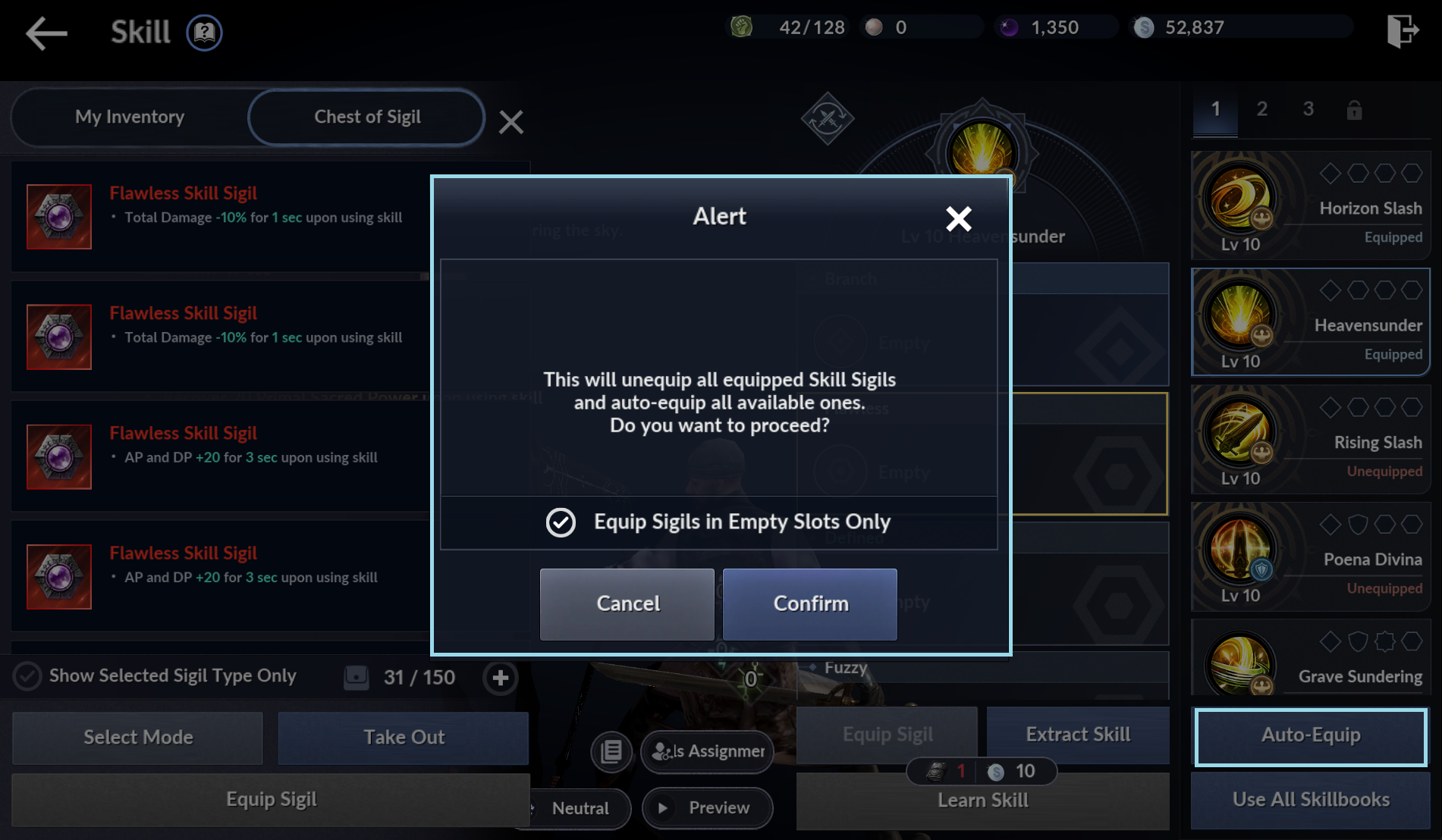
④ Tap Auto-Equip at the bottom right to equip them automatically.

※ Any equipped Skill Sigils will be replaced.


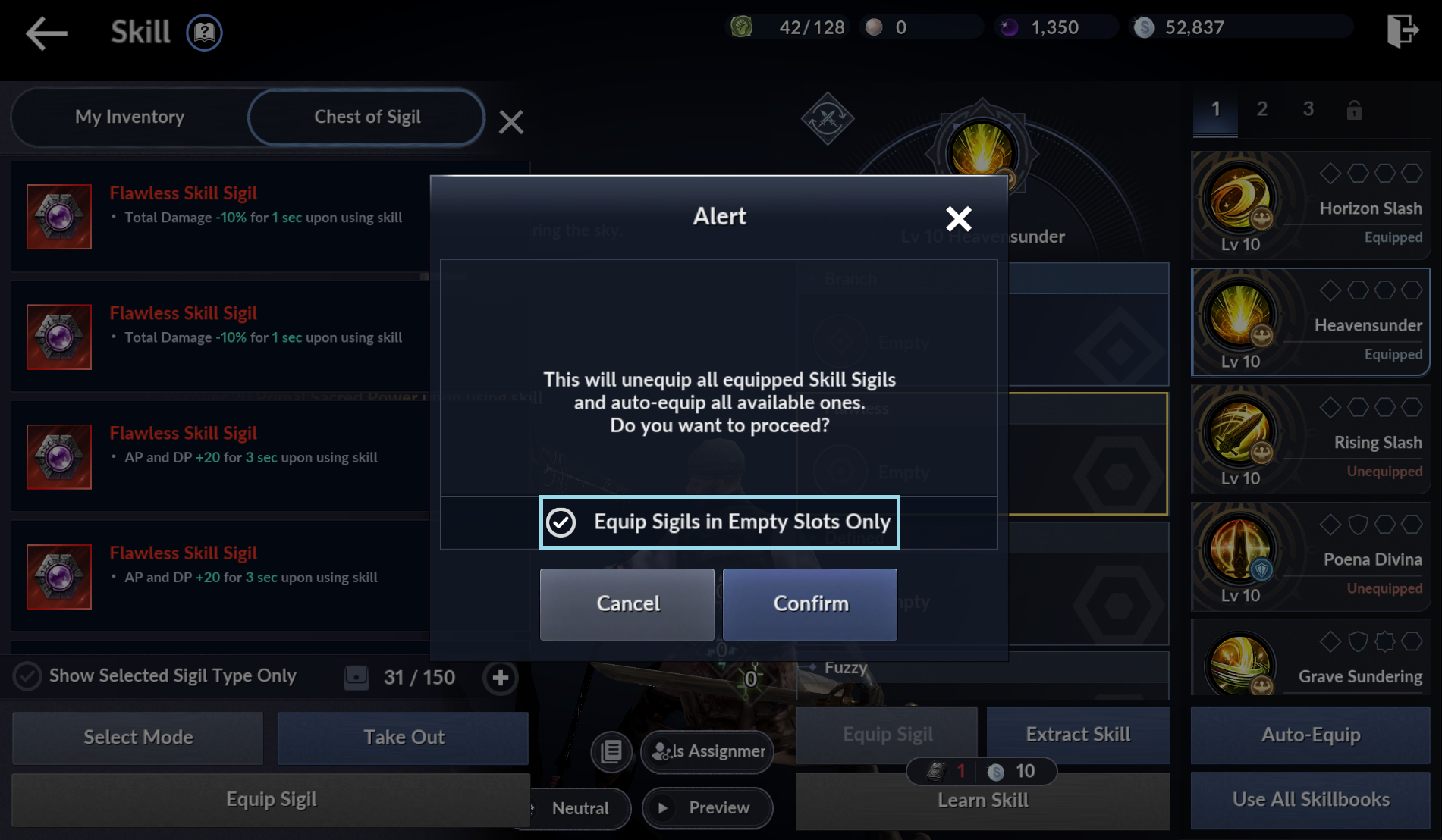
💡 You can also select "Equip Sigils in Empty Slots Only."

With this option selected, equipped Skill Sigils remain unchanged,
and new Sigils are added only to empty slots.


Ongoing Events

Until Jul 19 (Sun), 23:59

Skill Sigil Support!


Until Jul 19 (Sun), 23:59

Skill Add-ons Mission!


We'll continue improving the Skill Sigil system to make it easier and more convenient to use.

Thank you.


Back to Top