News
[GM Note]
PC Launcher Preview
With the Mar 31 (Tue) update,
the PC Launcher Adventurers have been waiting for will finally go live!
In addition to the details shared in previous remaster previews,
this GM Note features the PC Launcher
that so many Adventurers have been anticipating.
Let's walk through the details with GM Crie, shall we?
※ All screenshots were taken in a development environment and are subject to change.
The PC Launcher will be available for download and installation
after the update on Mar 31 (Tue).
Go to the PC Launcher download page via the [Download PC Launcher] button
on the upper right corner of the official Black Desert Mobile webpage.
The [Play Now] button will also take you to the same page.
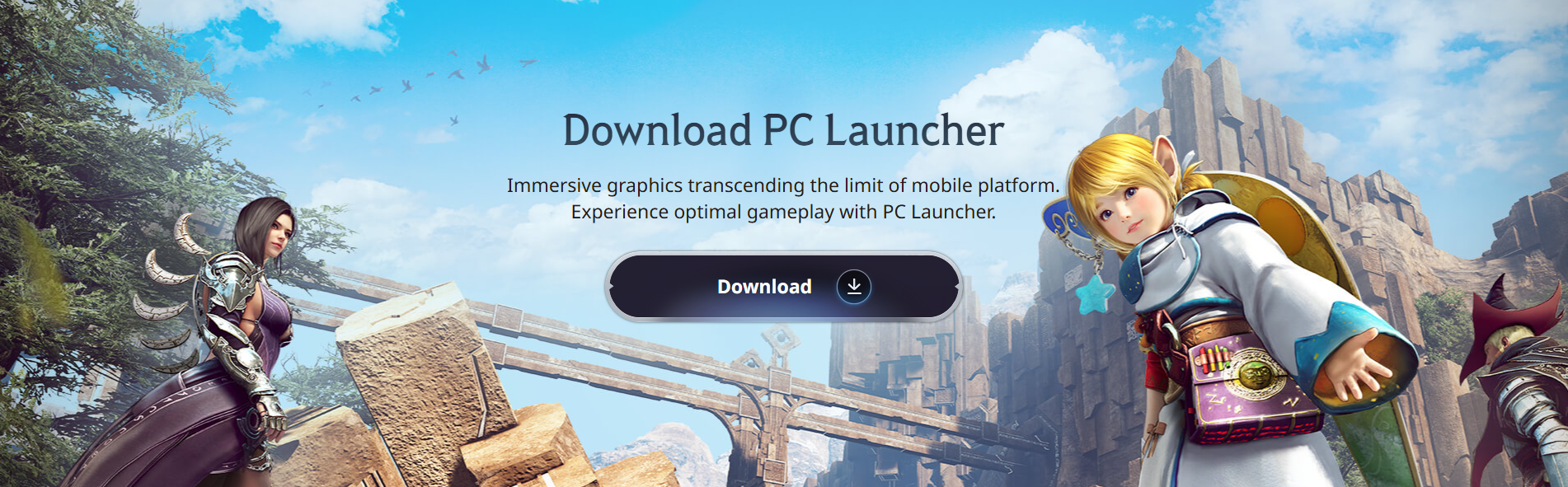
(▲ PC Launcher download page)
If you are planning on playing the game on the PC Launcher,
you may wonder if your PC can run the game smoothly with remastered graphics.
Check the system requirements below to see
whether the PC Launcher will run smoothly on your device.
System Requirements
| Category | Minimum | Recommended | Recommended (Remaster) |
| Operating System (OS) | Windows 10 (64-bit) | ||
| CPU | Intel i5-6500 Ryzen 5 1400 |
Intel i5-9400 Ryzen 5 3600 |
Intel i5-12400 Ryzen 5 5600 |
| RAM | 8GB | 16GB | 24GB |
| Graphics Card | GTX 1050 Ti (4GB) Radeon RX 560 (4GB) |
GTX 1660 Super (6GB) Radeon RX 5600XT (6GB) |
RTX 3060 Ti / RTX 4060 Radeon RX 6700XT |
| DirectX | DirectX 11 | ||
| Storage | 30GB | ||
ㆍ Actual game performance may vary depending on your PC environment, network conditions, and device settings.
ㆍ It is recommended to install the latest version of DirectX and graphics card drivers for optimal gameplay.
ㆍ System requirements are subject to change as new content are added with future updates.
ㆍ Please note that PC Launcher does not run on tablets or Mac OS.
You may log in to the game after the PC Launcher is installed.
Before you dive in, why not set your screen size and resolution first?
You'll find three options under [Settings] - [Graphics]:
"Fullscreen," "Borderless Window," and "Window Mode."
After the PC Launcher update on Mar 31 (Tue),
you can enjoy the dynamic adventure on a larger screen
with remastered graphics in fullscreen mode!
Don't forget to adjust the settings added with the graphics and UI remasters on Mar 17 (Tue)
and create optimal gameplay settings just for you!
We've gone over how to install the PC Launcher, the system requirements,
and the display settings for your initial setup.
Please note the following additional information
before you dive into the game using the PC Launcher!

If you are new to the game, please create a Family via the Black Desert Mobile app! ⭐
Up to two PC Launcher instances can run at the same time.
(※ Remote access for the PC Launcher is currently under review.)
A detailed guide featuring how to install the PC Launcher
is scheduled to release after the Mar 31 (Tue) update.
We've prepared a coupon for all Adventurers waiting for the PC Launcher release on Mar 31 (Tue).
Check out the coupon below and claim your rewards, Adventurers!
PC Launcher Coming Soon! Coupon
20260331PCCLIENT
Combat Plus (3 Days) x1
Life Plus (3 Days) x1
Black Spirit Plus (3 Days) x1
Camp Manager Contract: Irene (3 Days) x1
※ Available until: before maintenance on May 26, 2026 (Tue)
Another major update is coming on Mar 31 (Tue)—the new server update!
Check out the details on the new server
in the notice below:
Black Desert Mobile PC Launcher update on Mar 31 (Tue)!
We appreciate your interest and support for the update, Adventurers!
Thank you.