News

Notice
Greetings, Adventurers!
This is the Black Desert Mobile Service Team.
We'd like to inform you how to change your account link from Facebook or LINE to another platform.
If you are using a Facebook or LINE account, please refer to the information below to change your account link to a Google or Apple account.
■ Changing Your Facebook Account Link


1. Launch Black Desert Mobile.
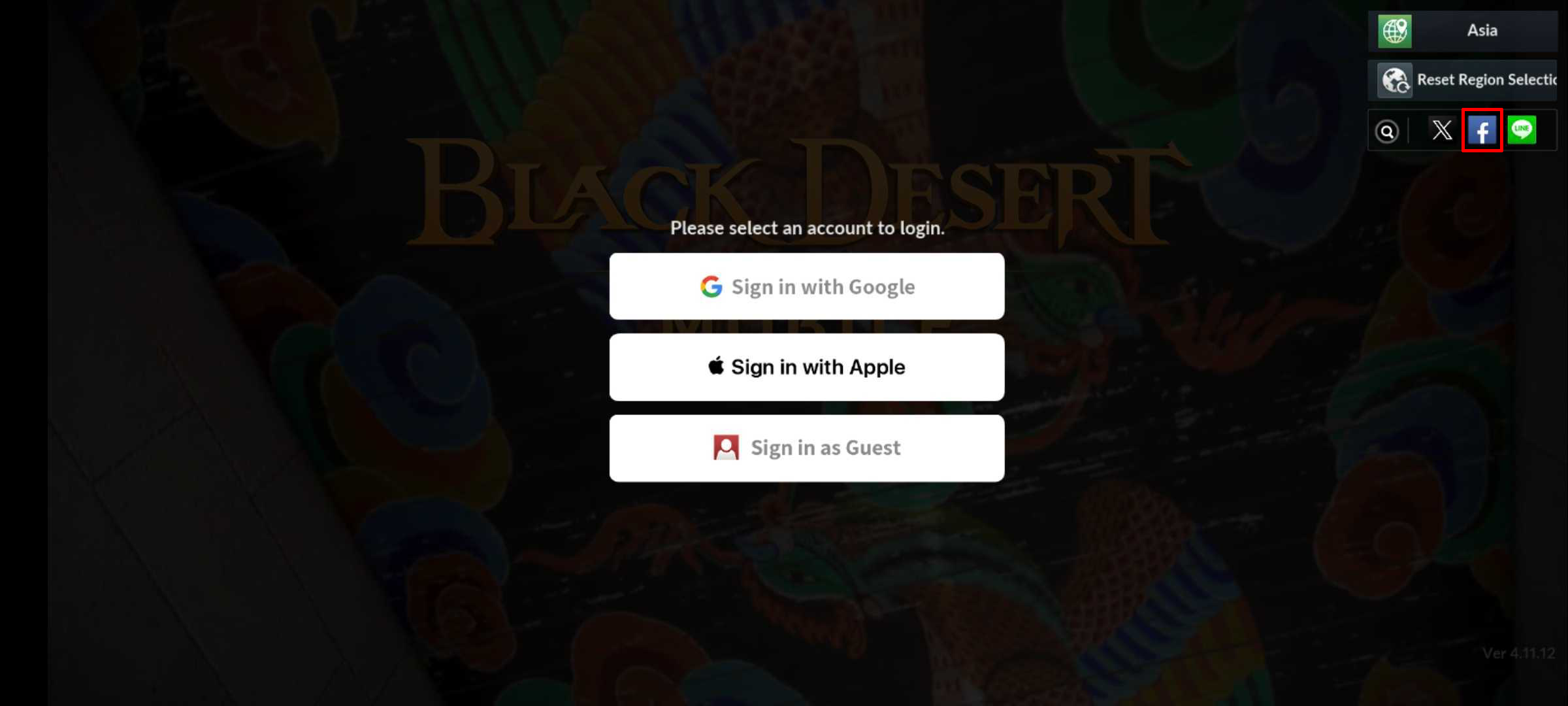
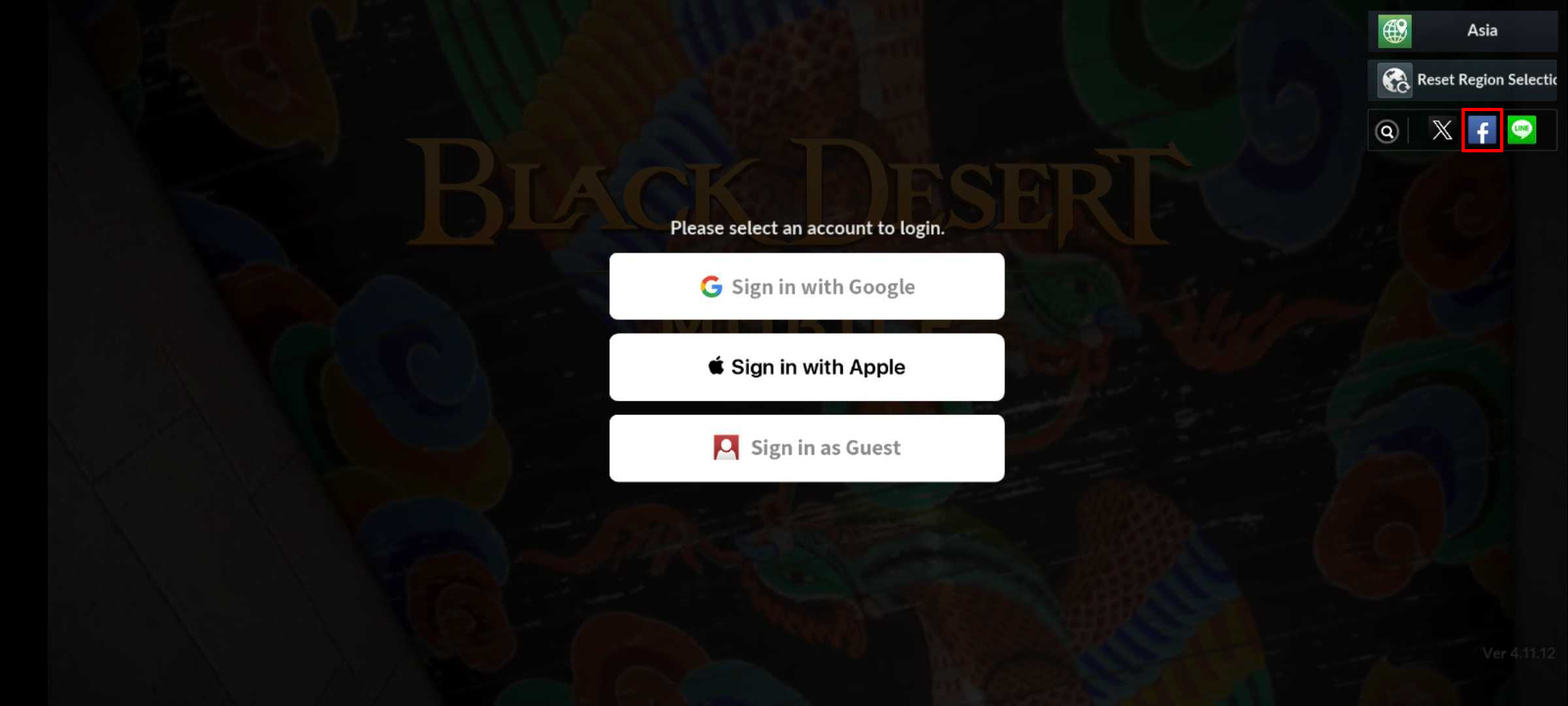
2. Tap the Facebook icon on the top right.
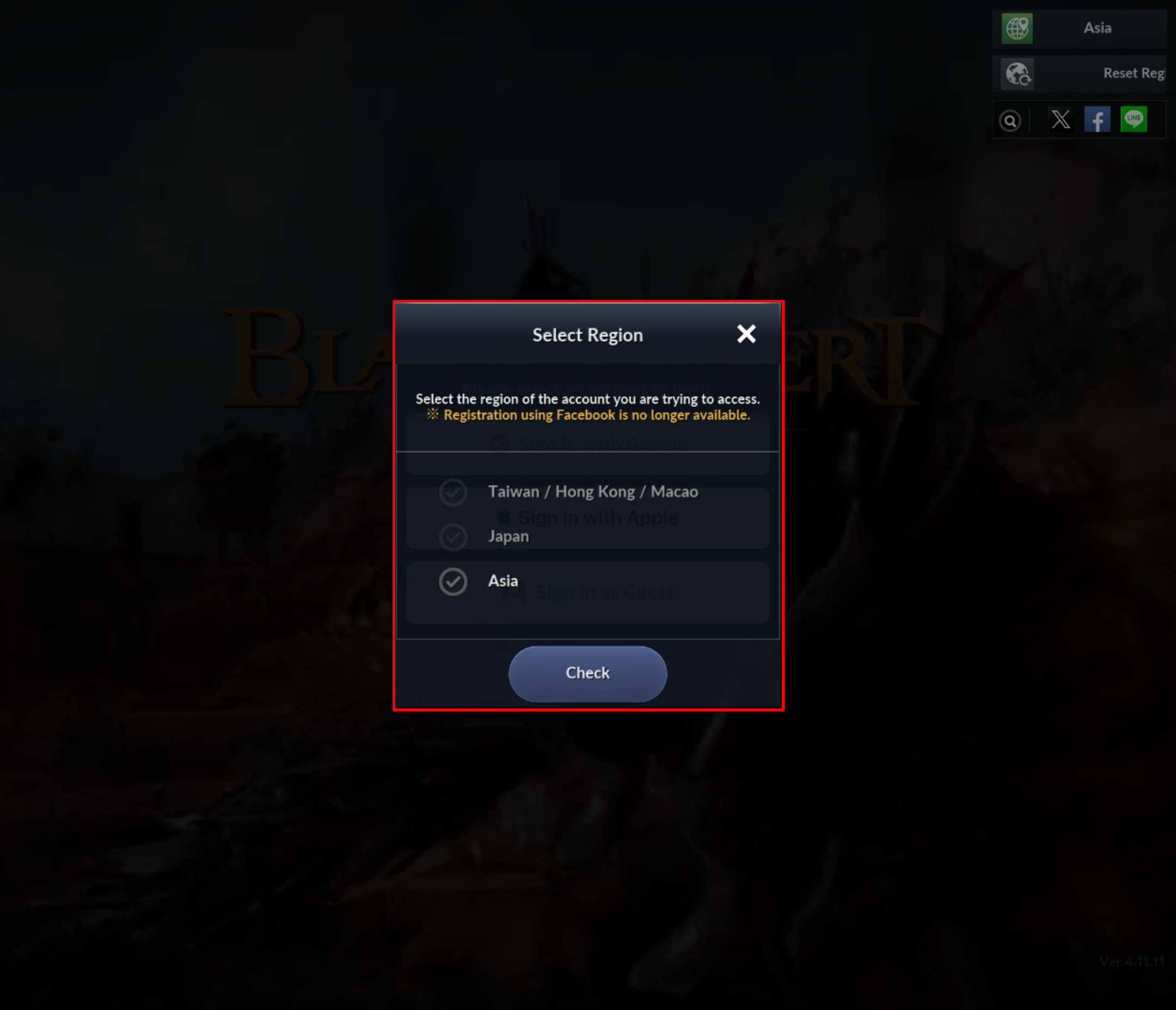
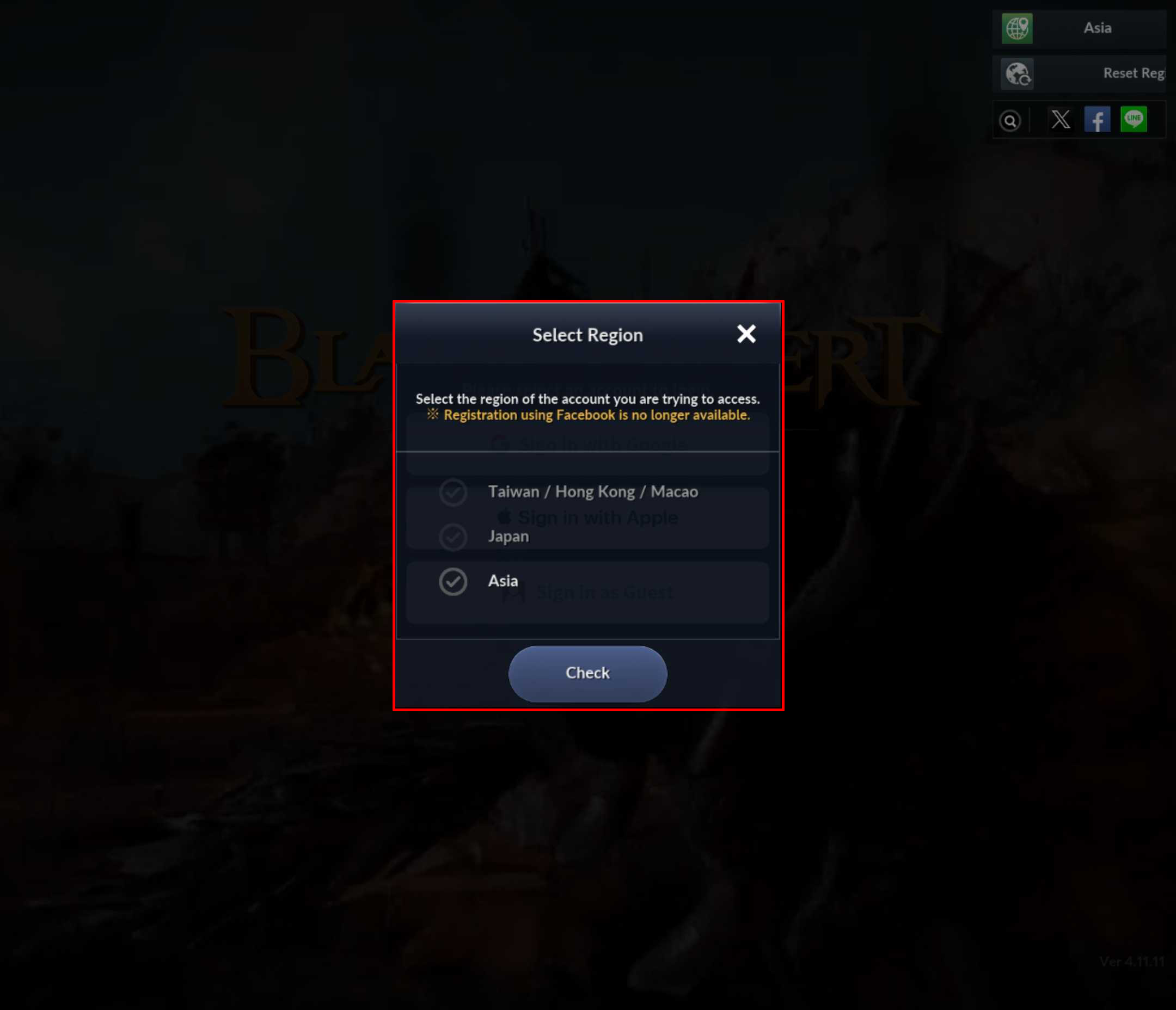
3. Select the region of your account.
e.g., If you were playing on the Asia server before the UNITED SERVER update, please select "Asia."
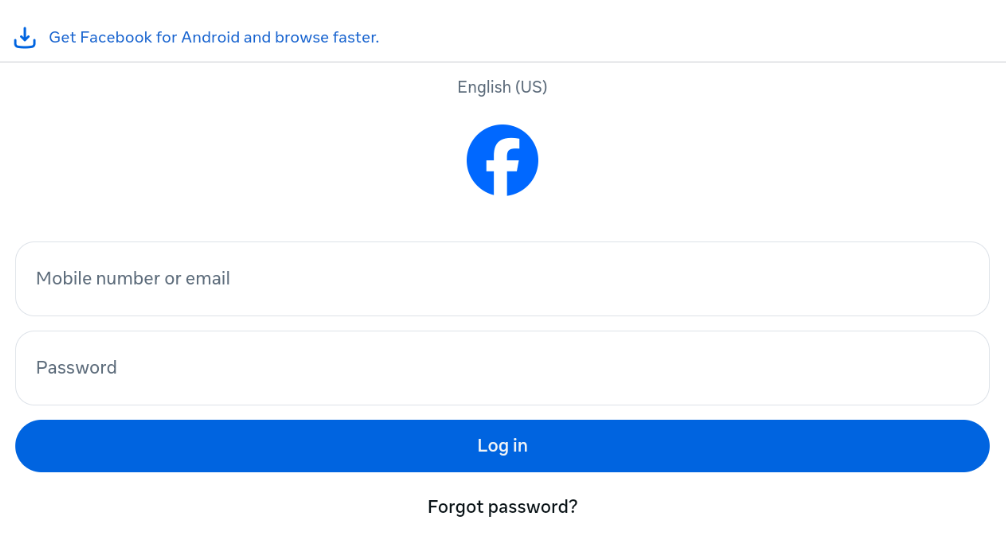
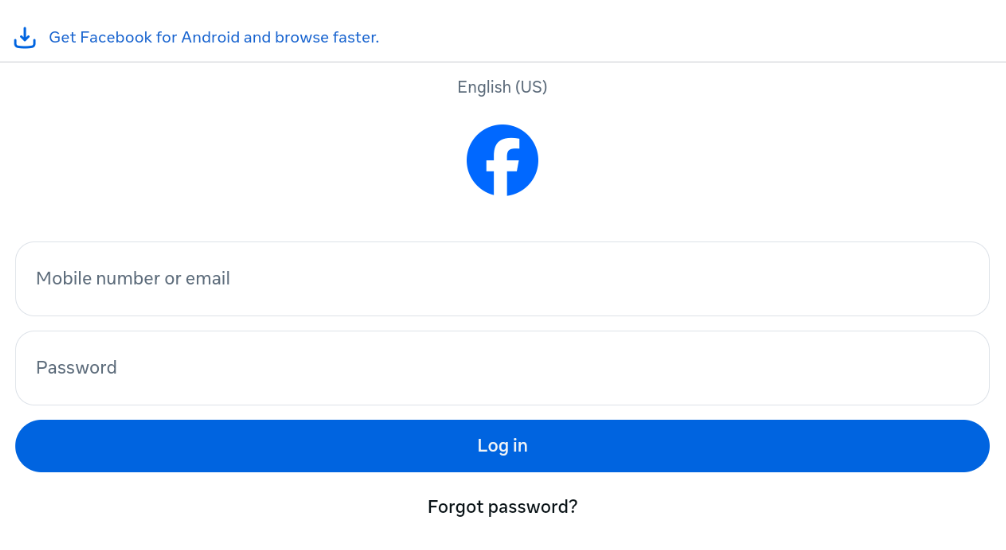
4. Log into the game.
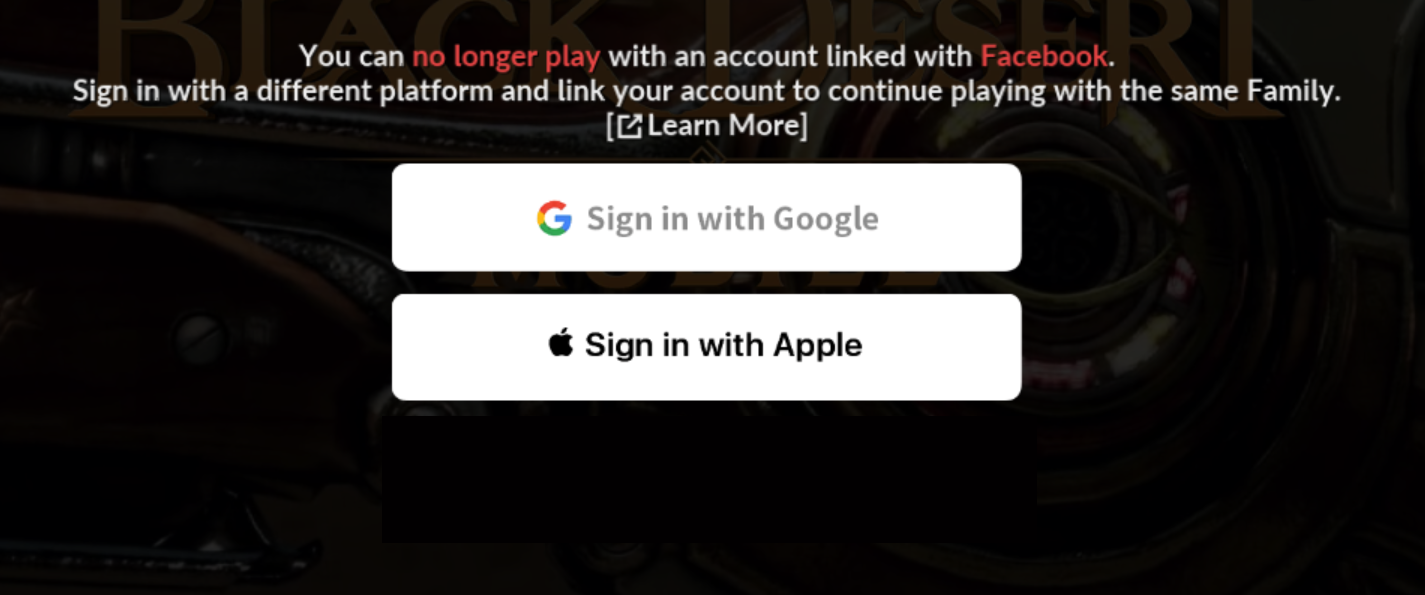
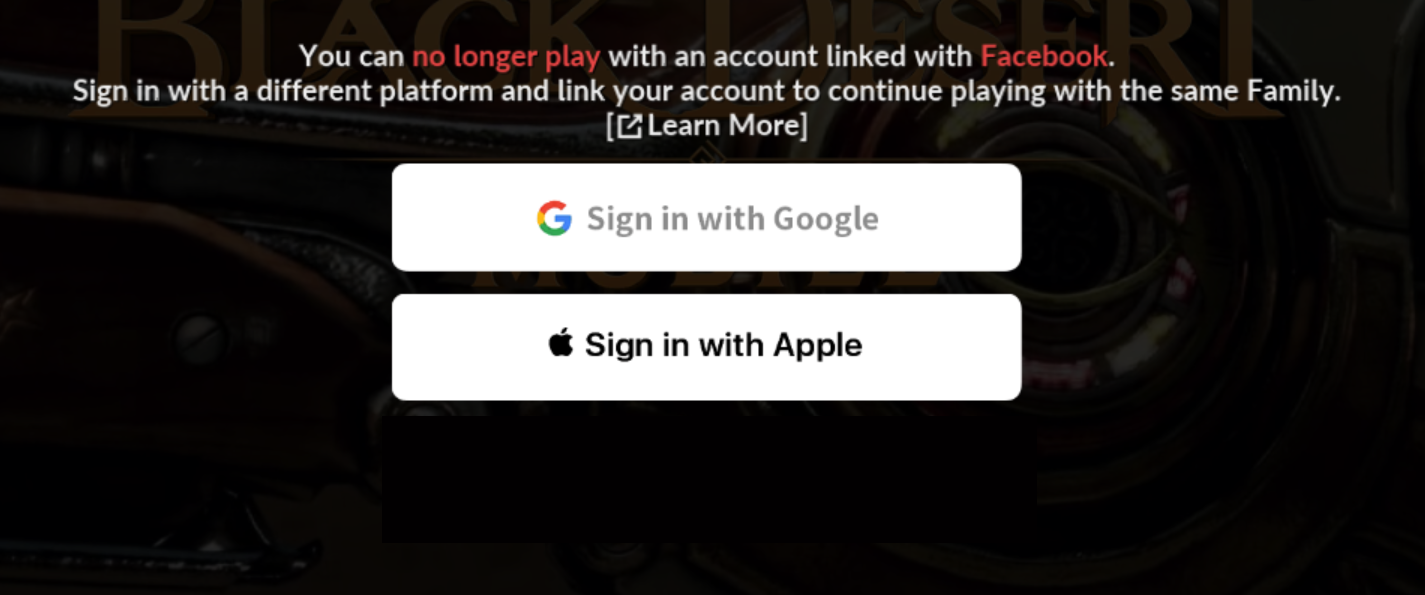
5. Choose the platform you want to change the link to—Google or Apple.
※ You will not be able to change to a different platform again once you change the account link.
You will be logged out once you finish linking to your Google or Apple account. Please log in again with your newly linked account to continue playing the game.
■ Changing your LINE Account Link
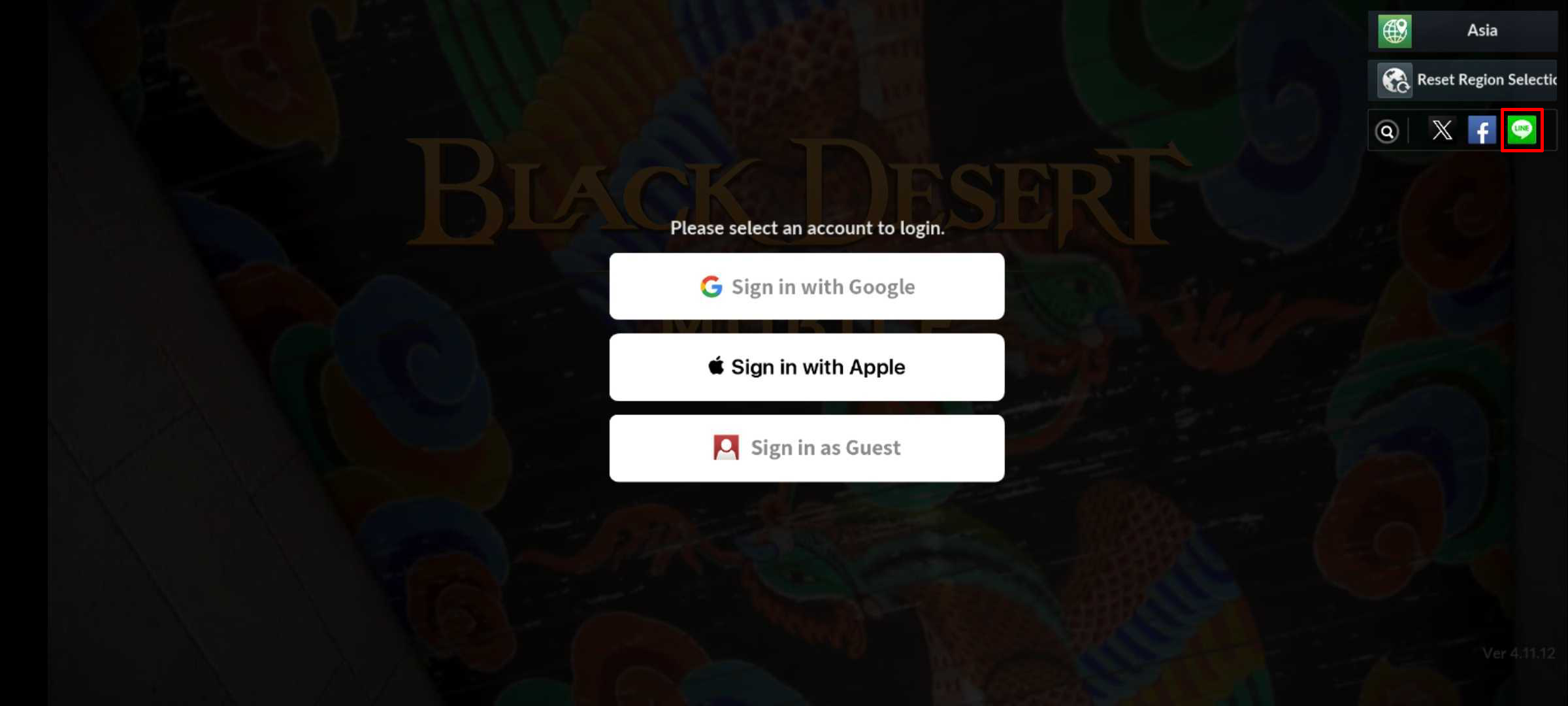
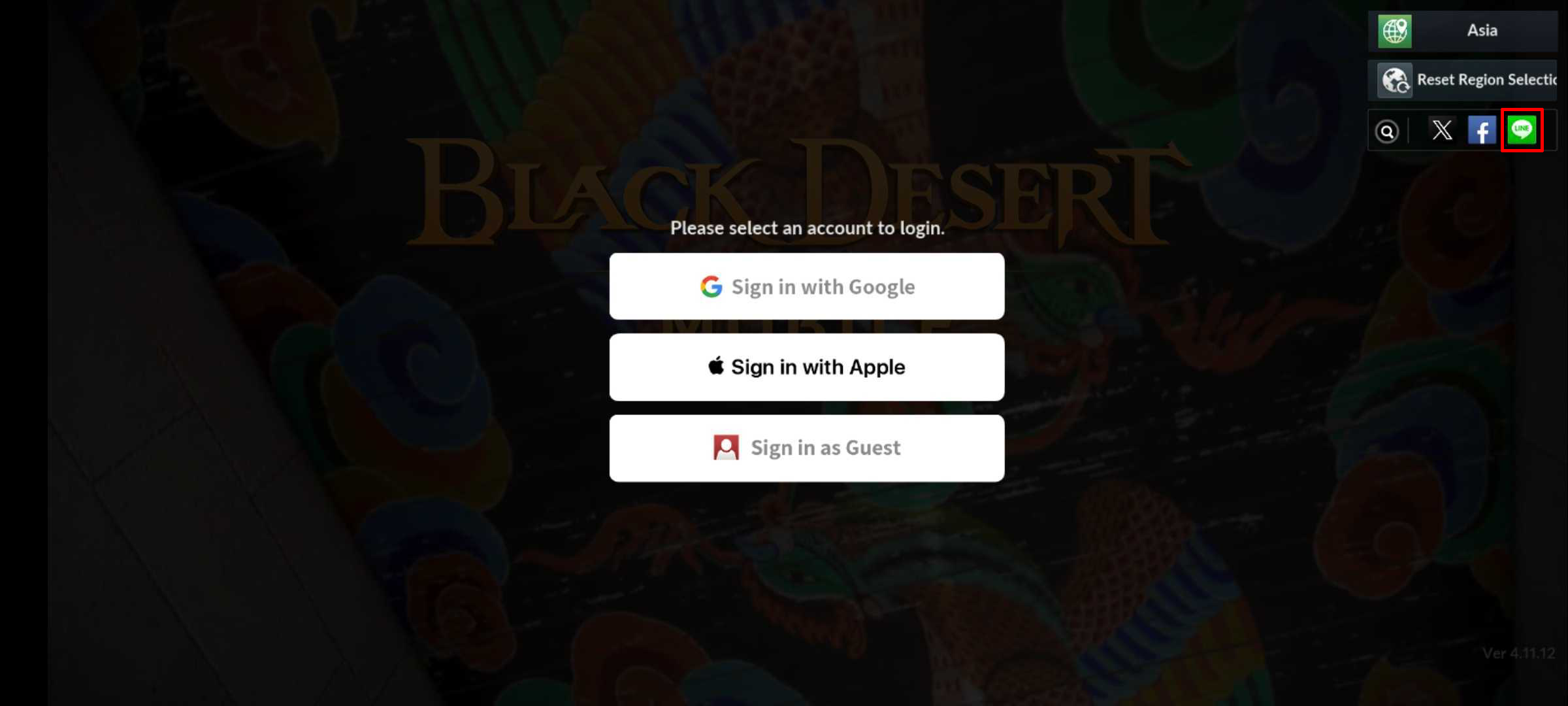
1. Tap the LINE icon on the top right.
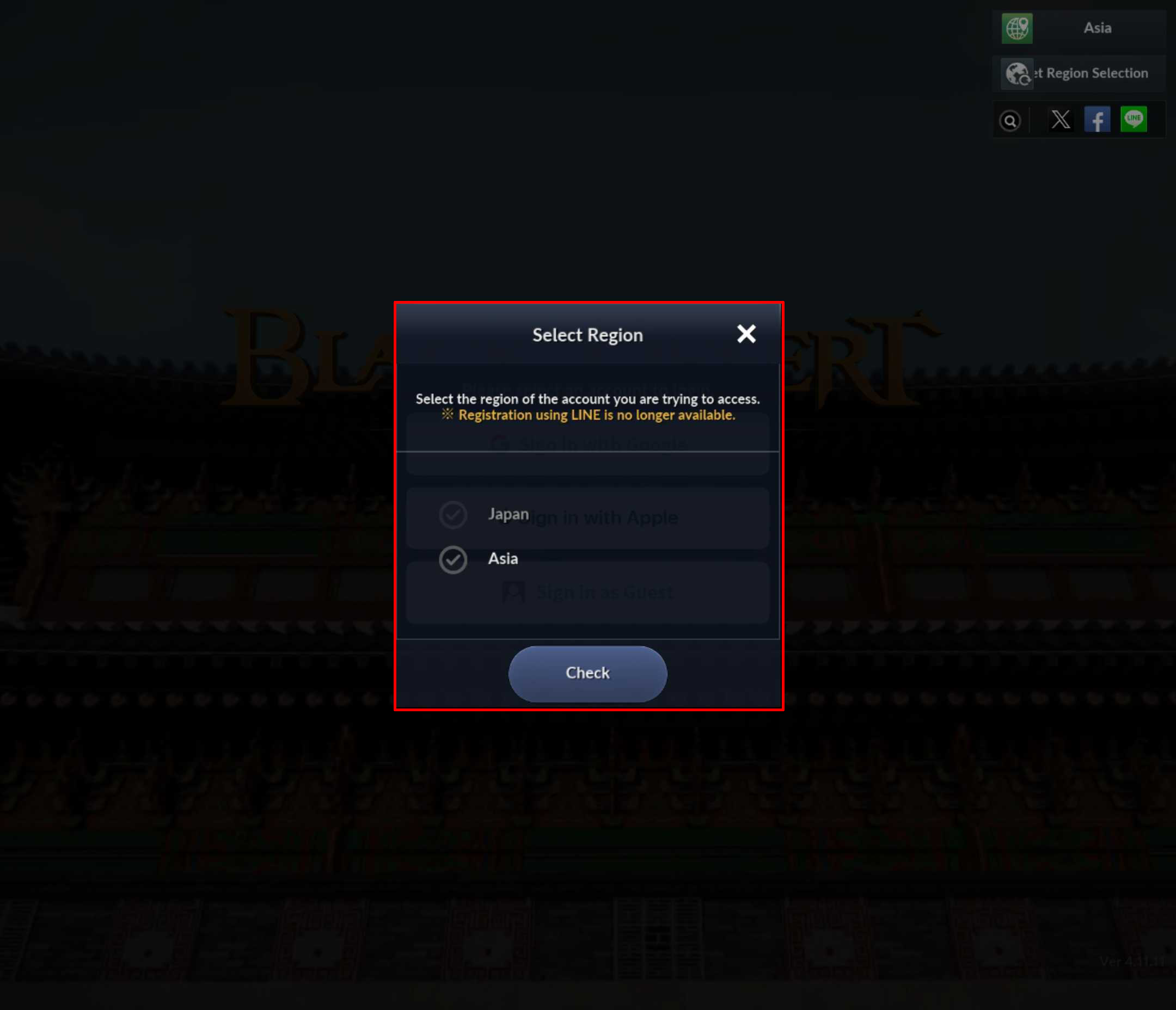
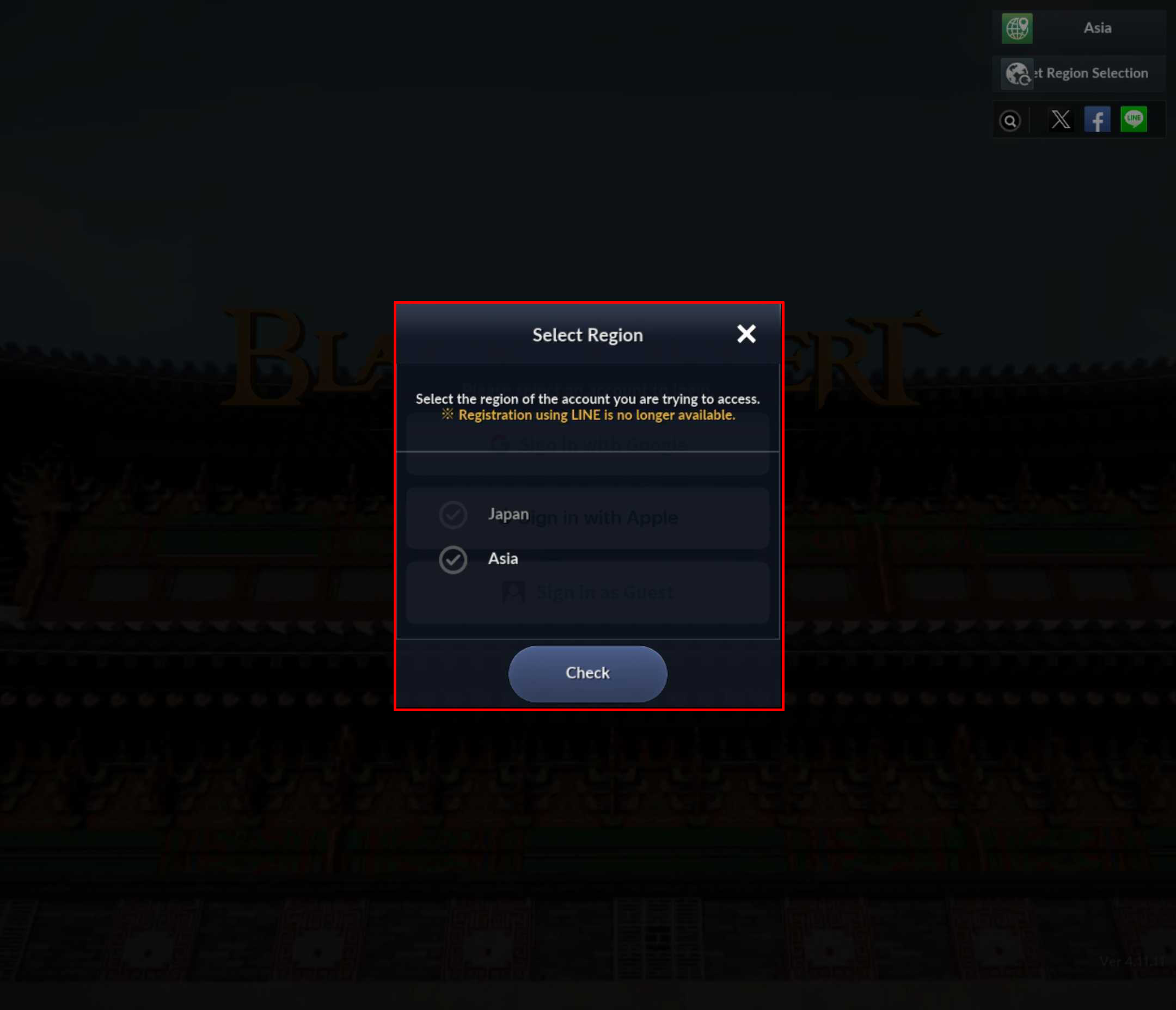
2. Select your account's region.
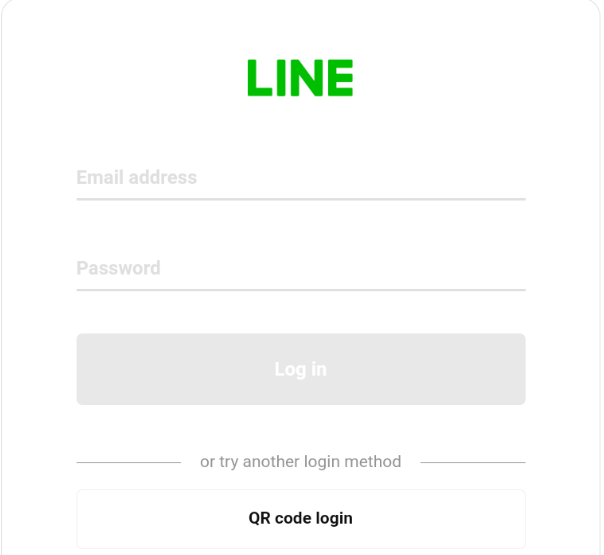
3. Log into the game.
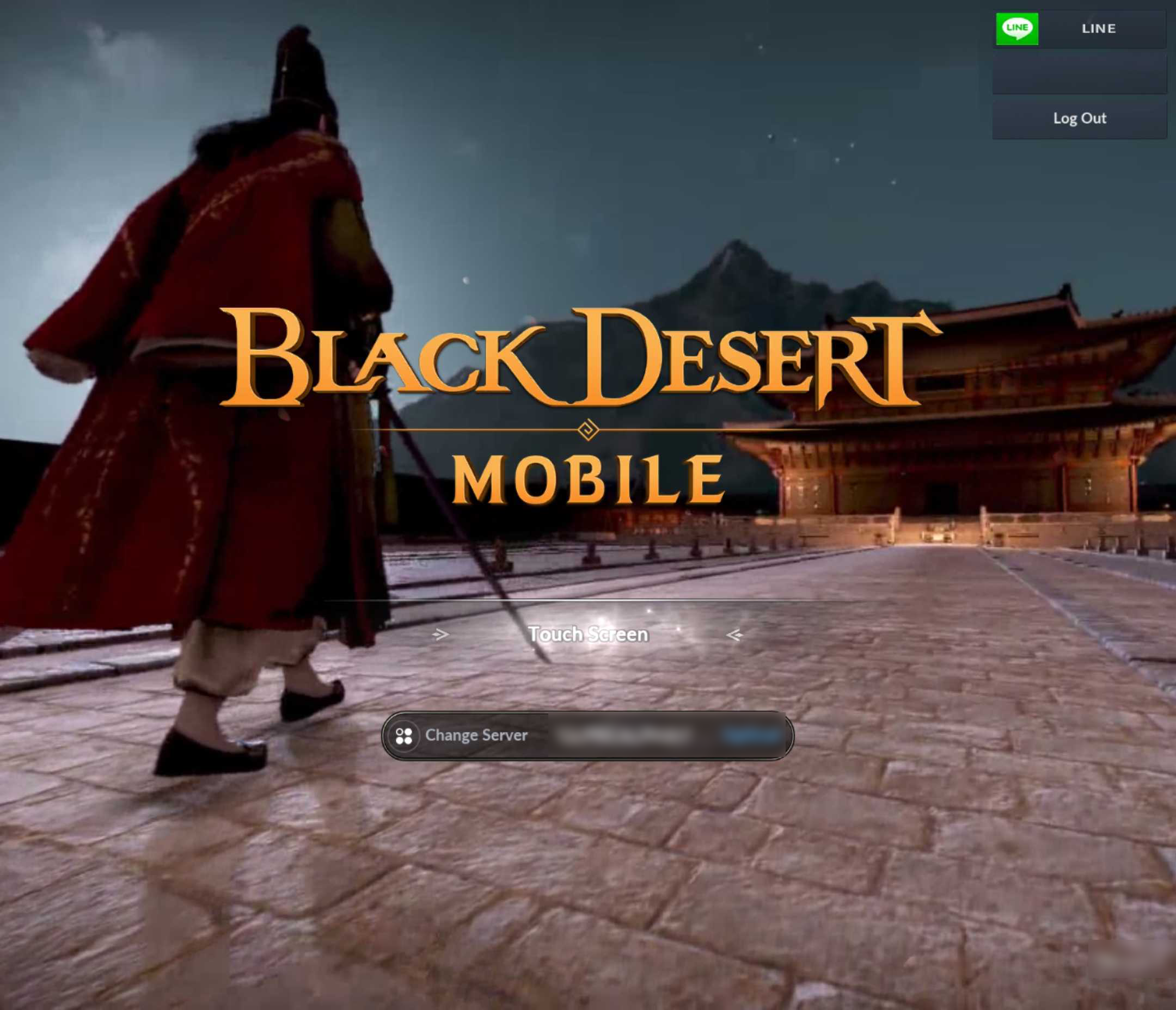
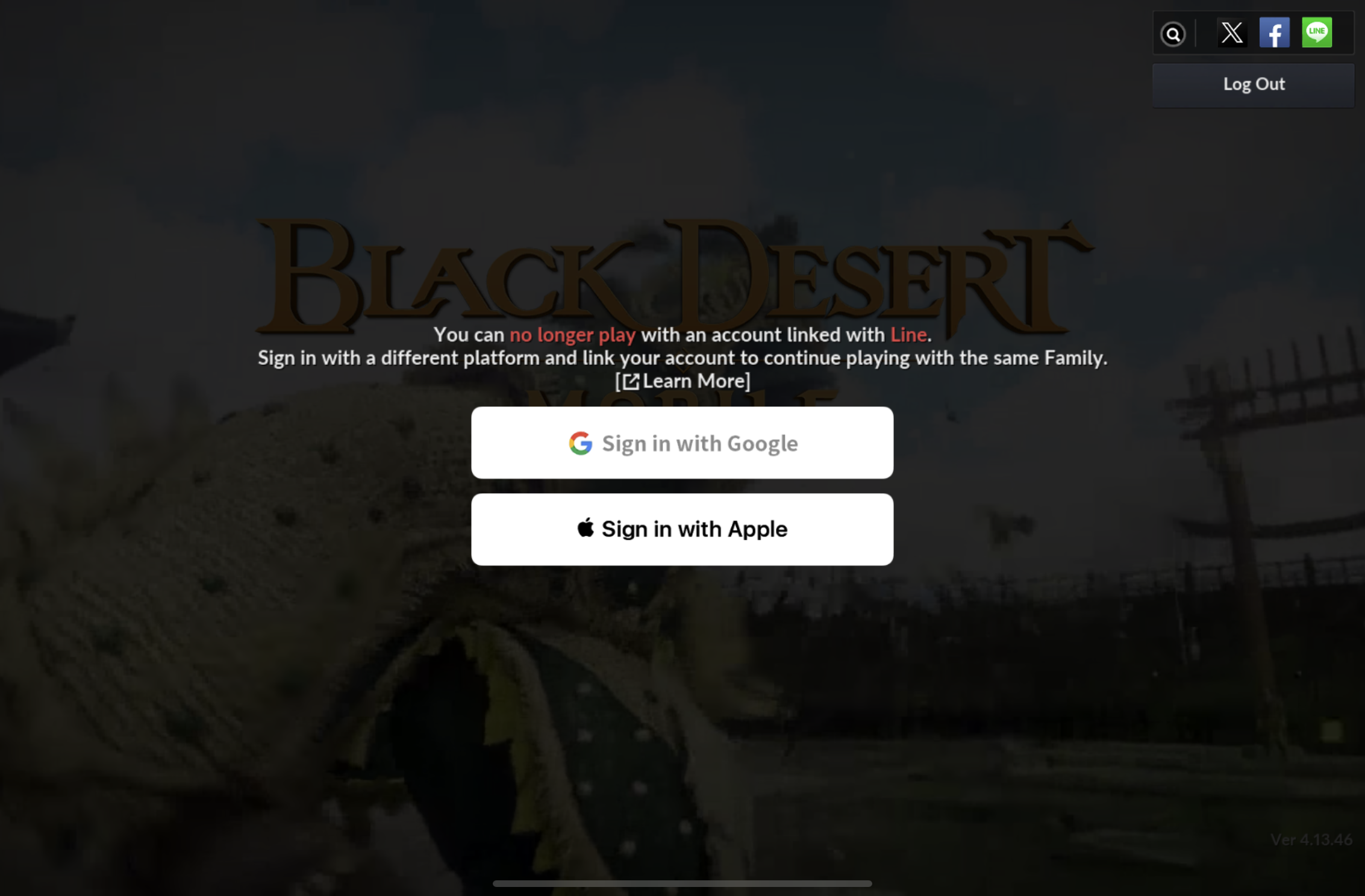
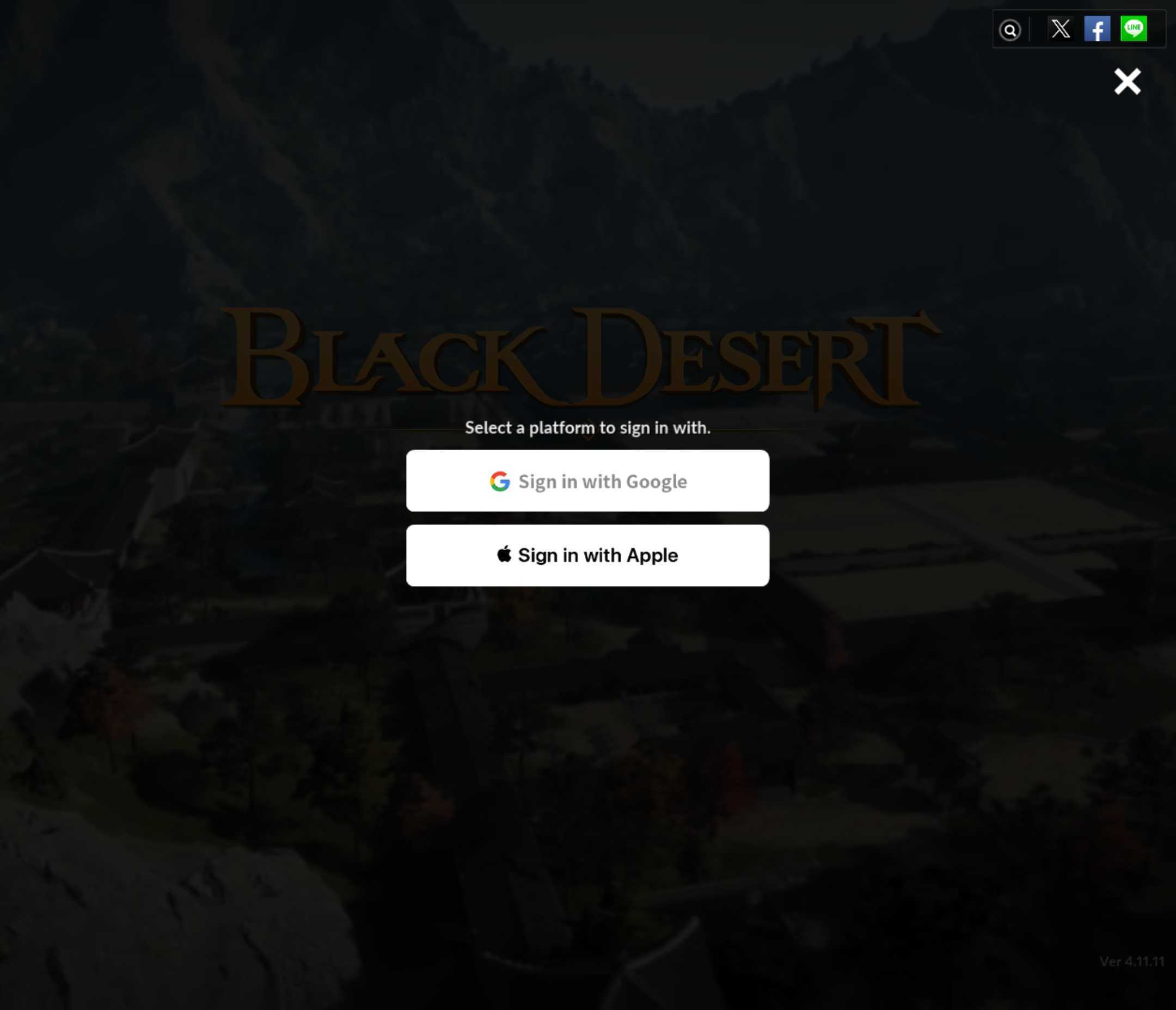
4. Choose the platform to link your account to—Google or Apple.
※ You will not be able to change to another platform again, once you change the account link.
You will be logged out once you finish linking to your Google or Apple account. Please log in again with your newly linked account to continue playing the game.
Thank you.